.svg)
Employee Monitoring Software
Employee tracking software that tells you exactly how your employees use their time. Get powerful data for a more productive and efficient team.

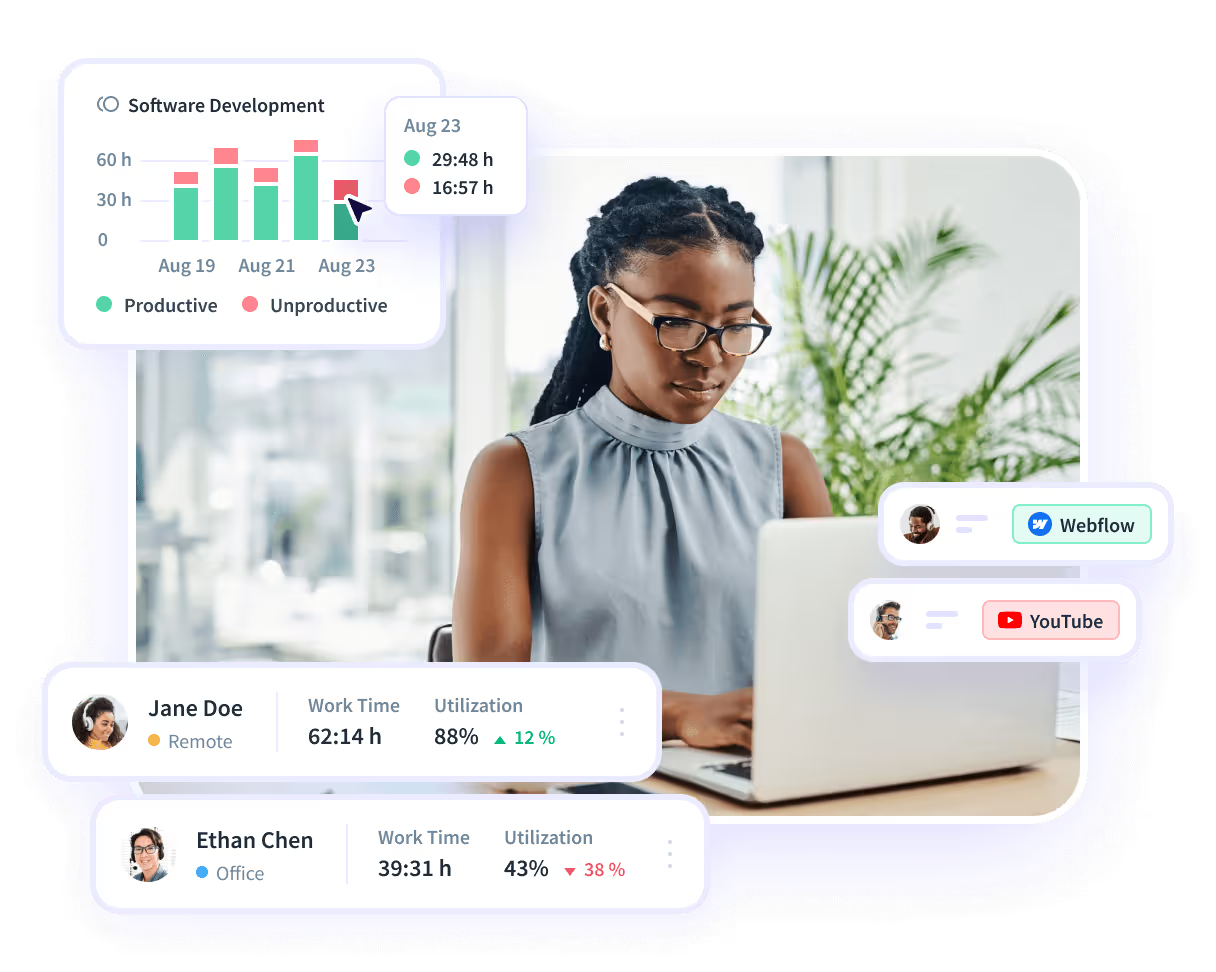





Track Projects Without Manual Involvement
Automatically capture and analyze all project-related activity, transforming it into actionable insights that improve task workflows and boost efficiency.


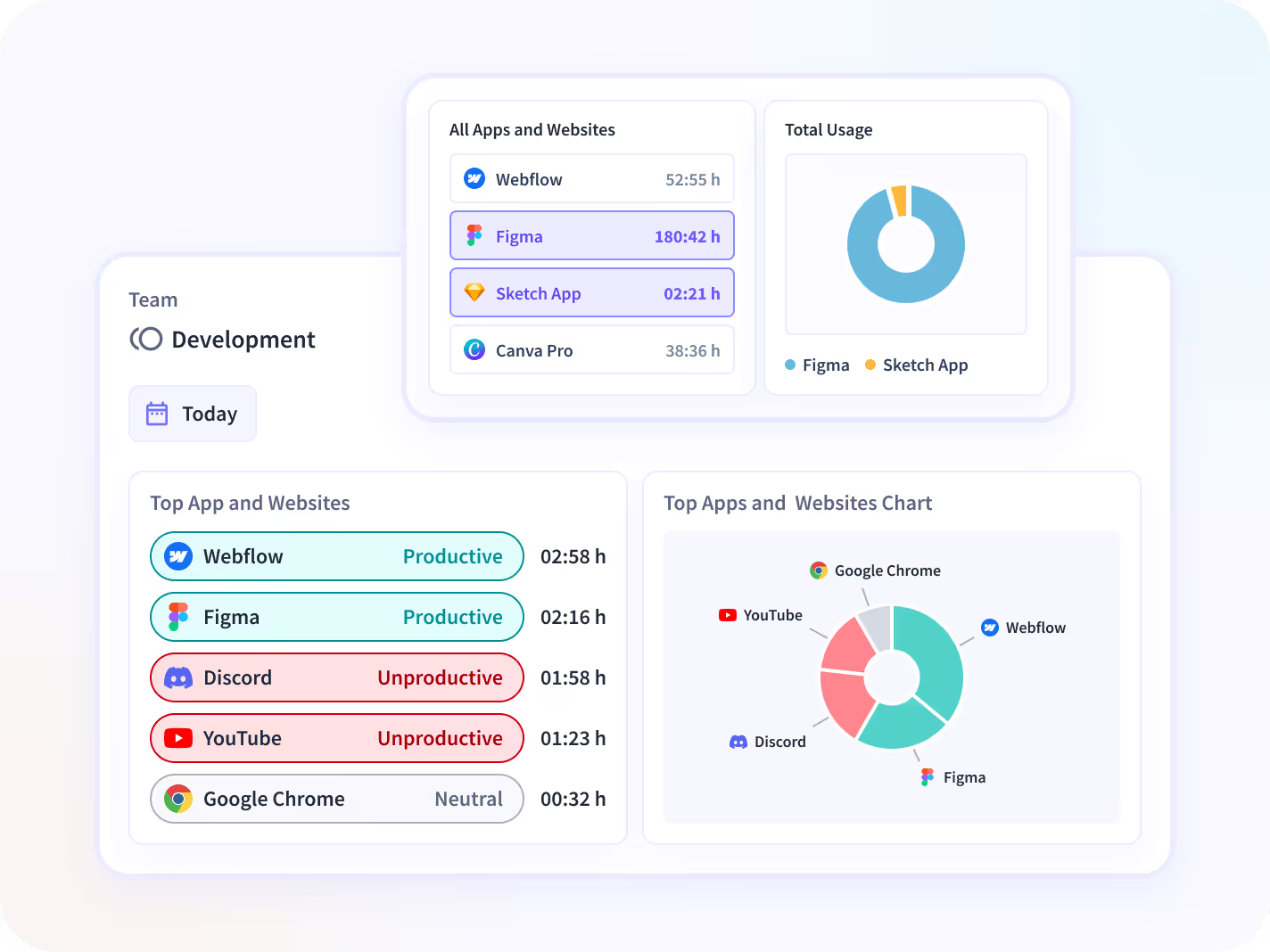
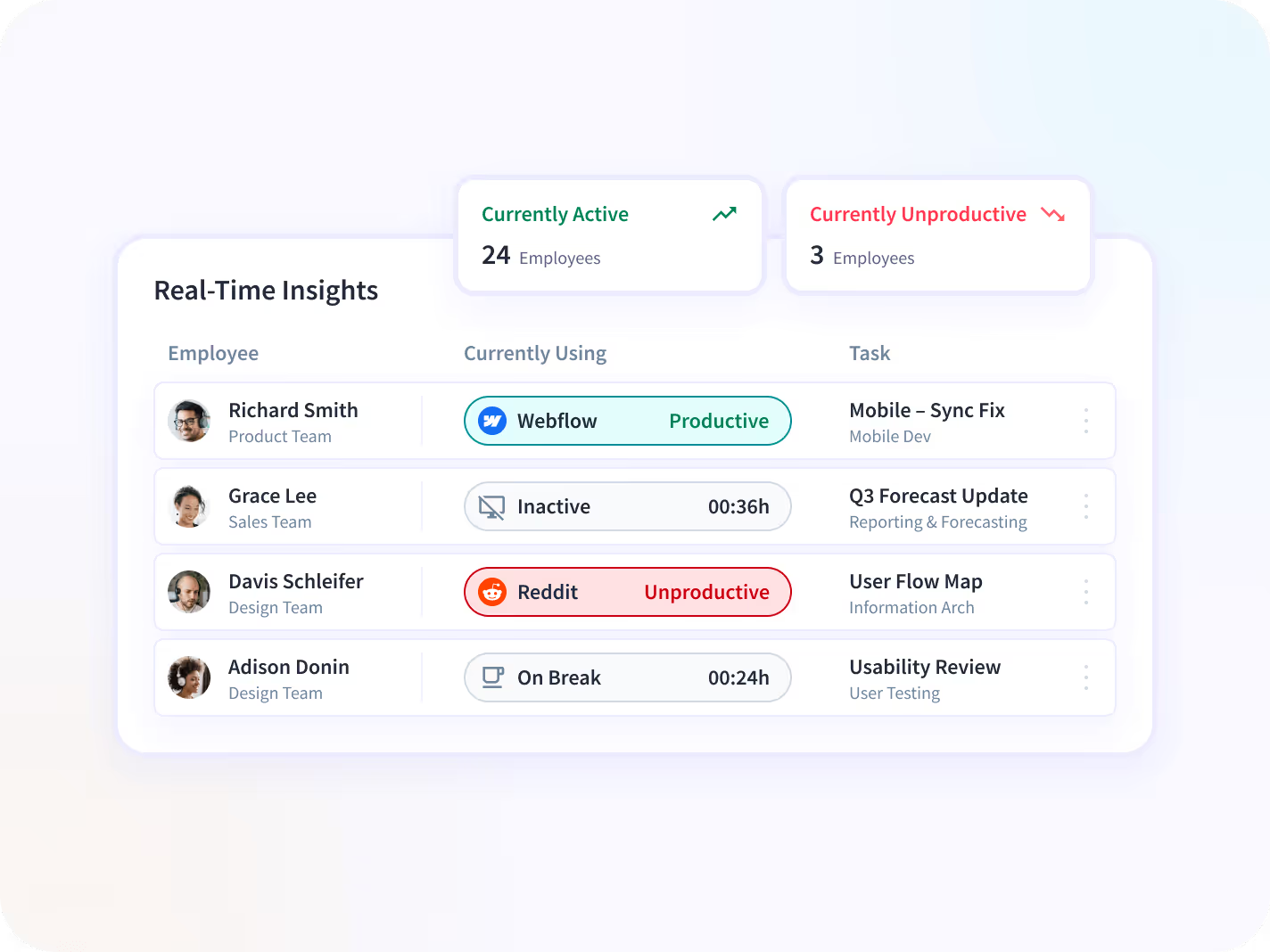
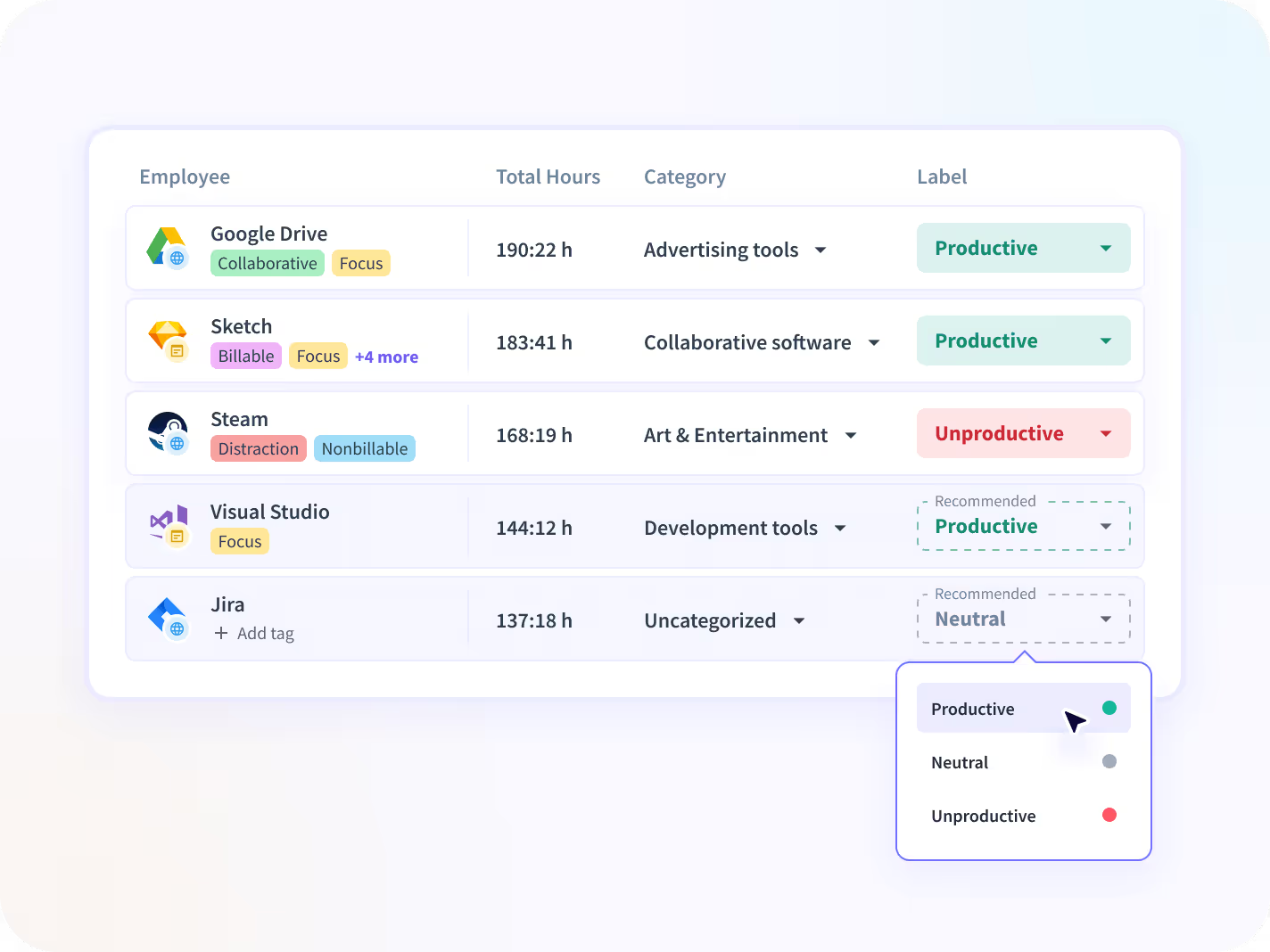
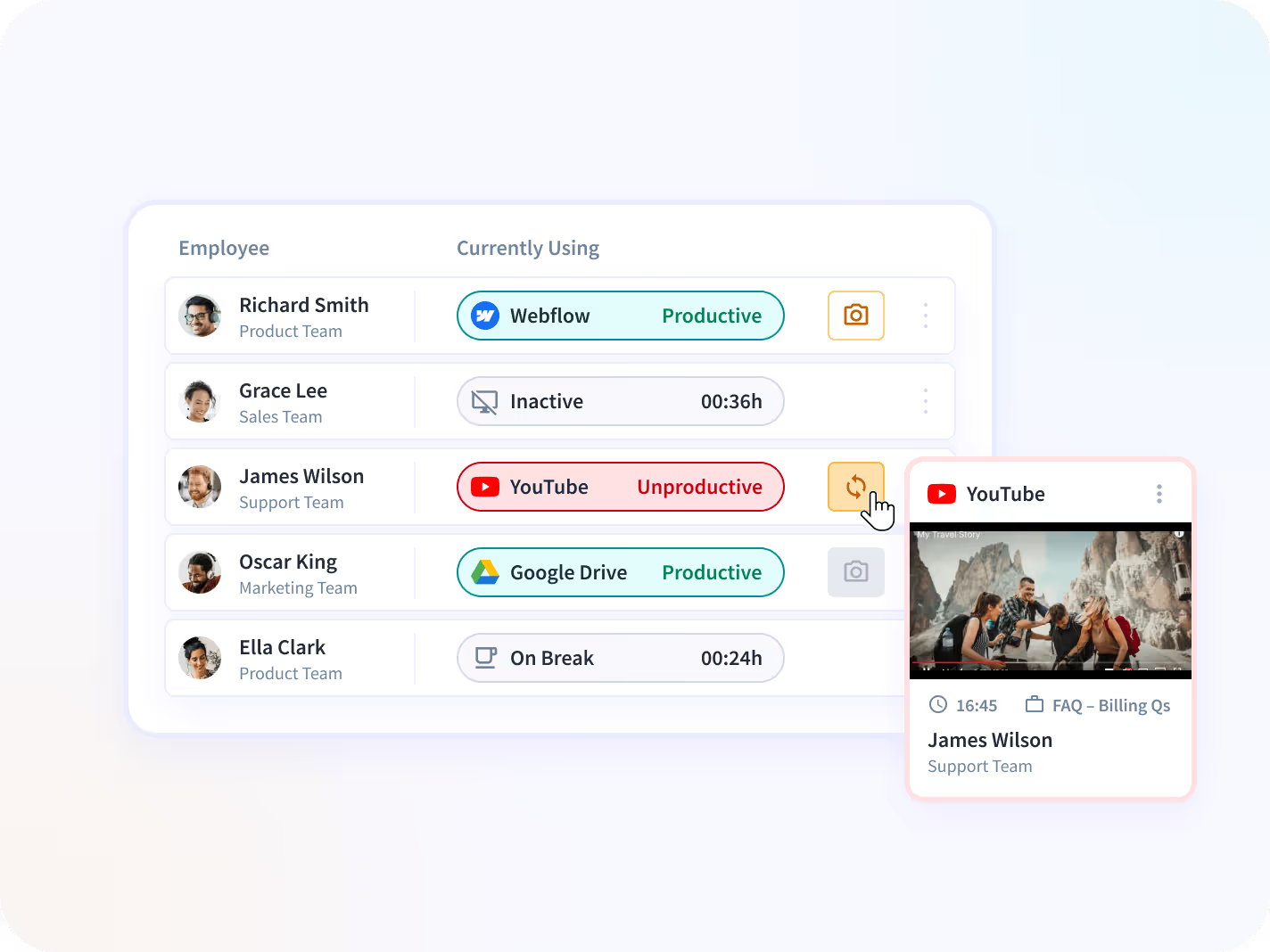
Track which apps and websites your employees are using individually, as a team, or on a company level.


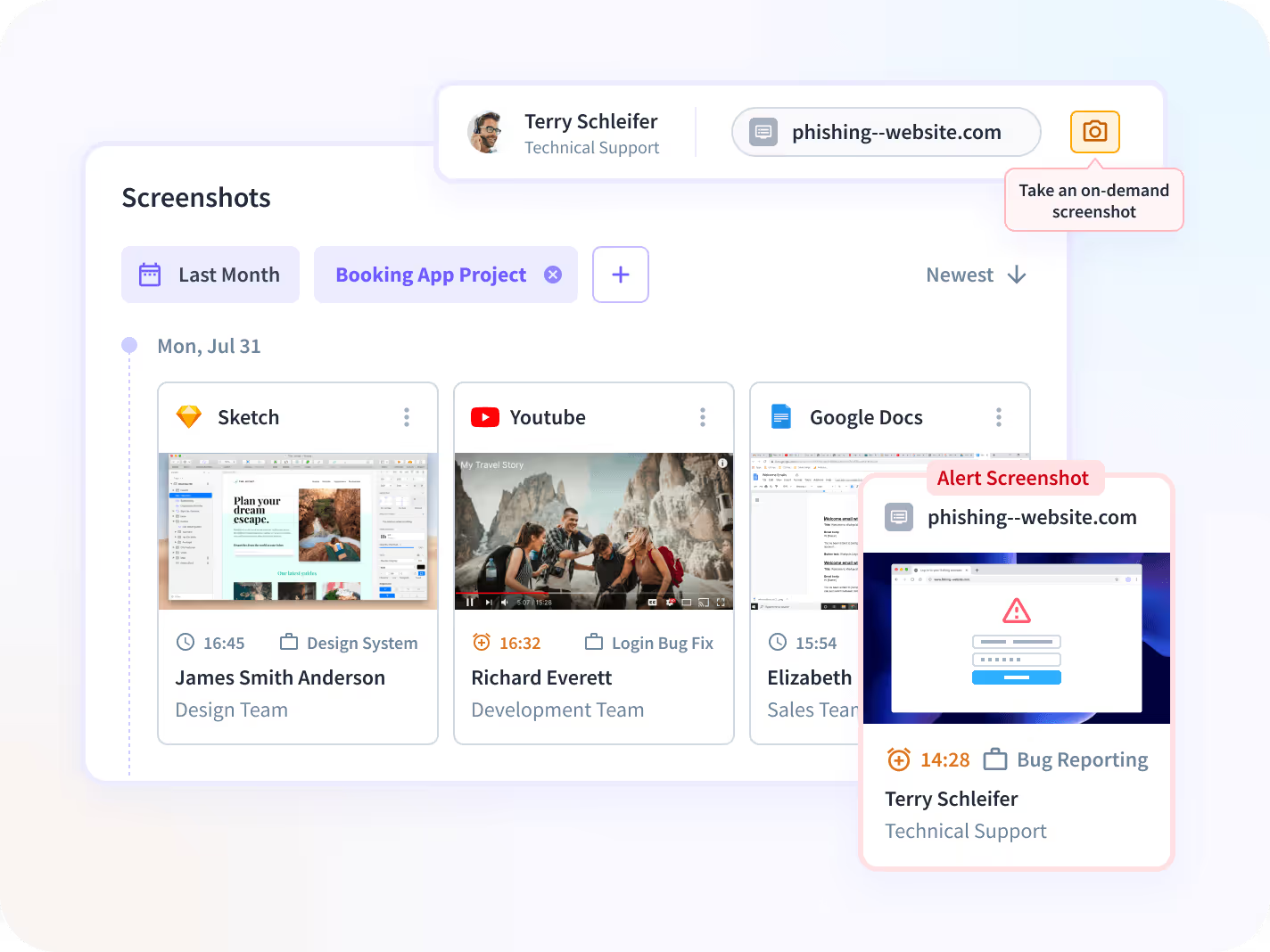
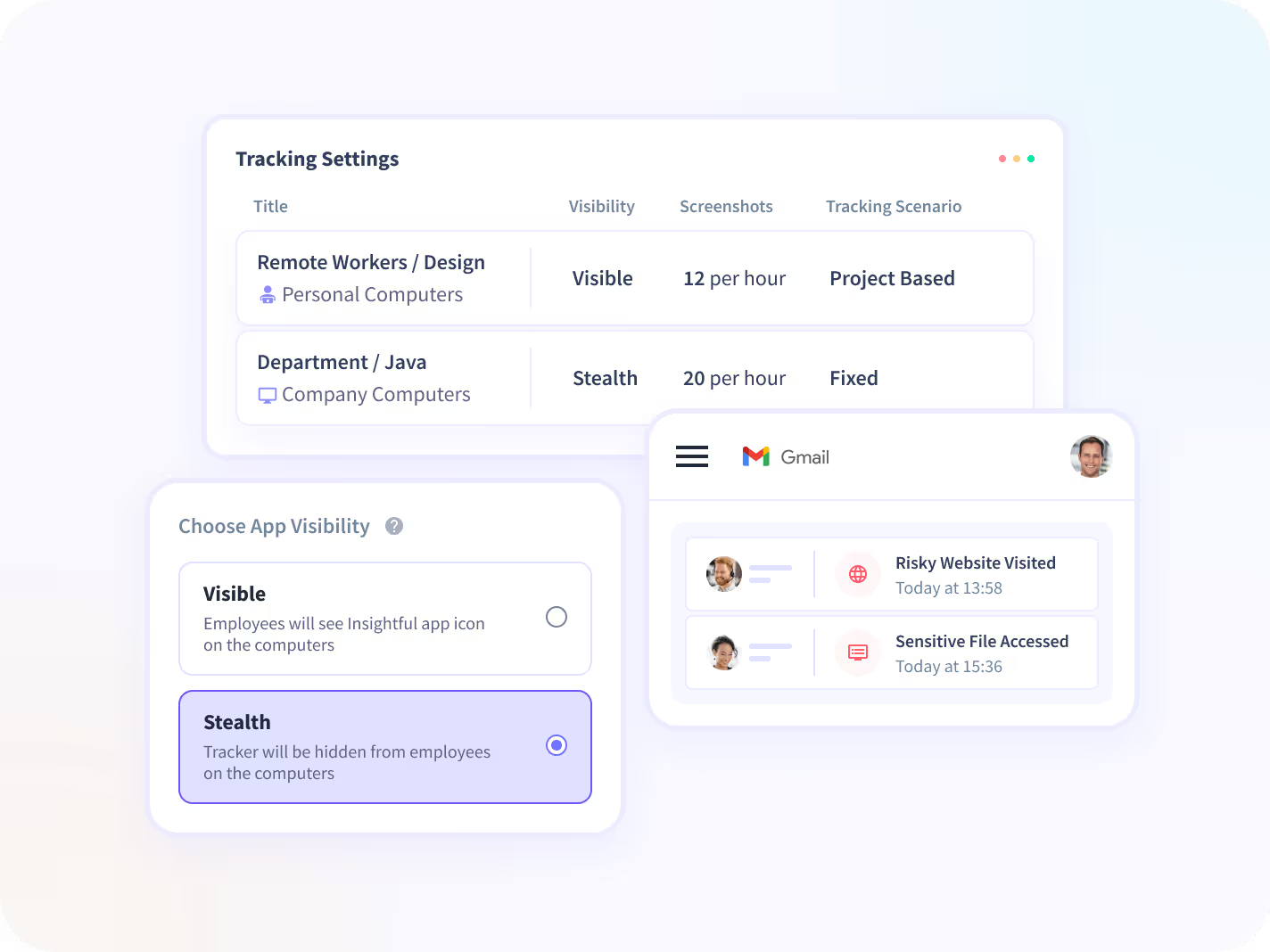
Get random screenshots, or those triggered by employees’ suspicious or malicious activities.


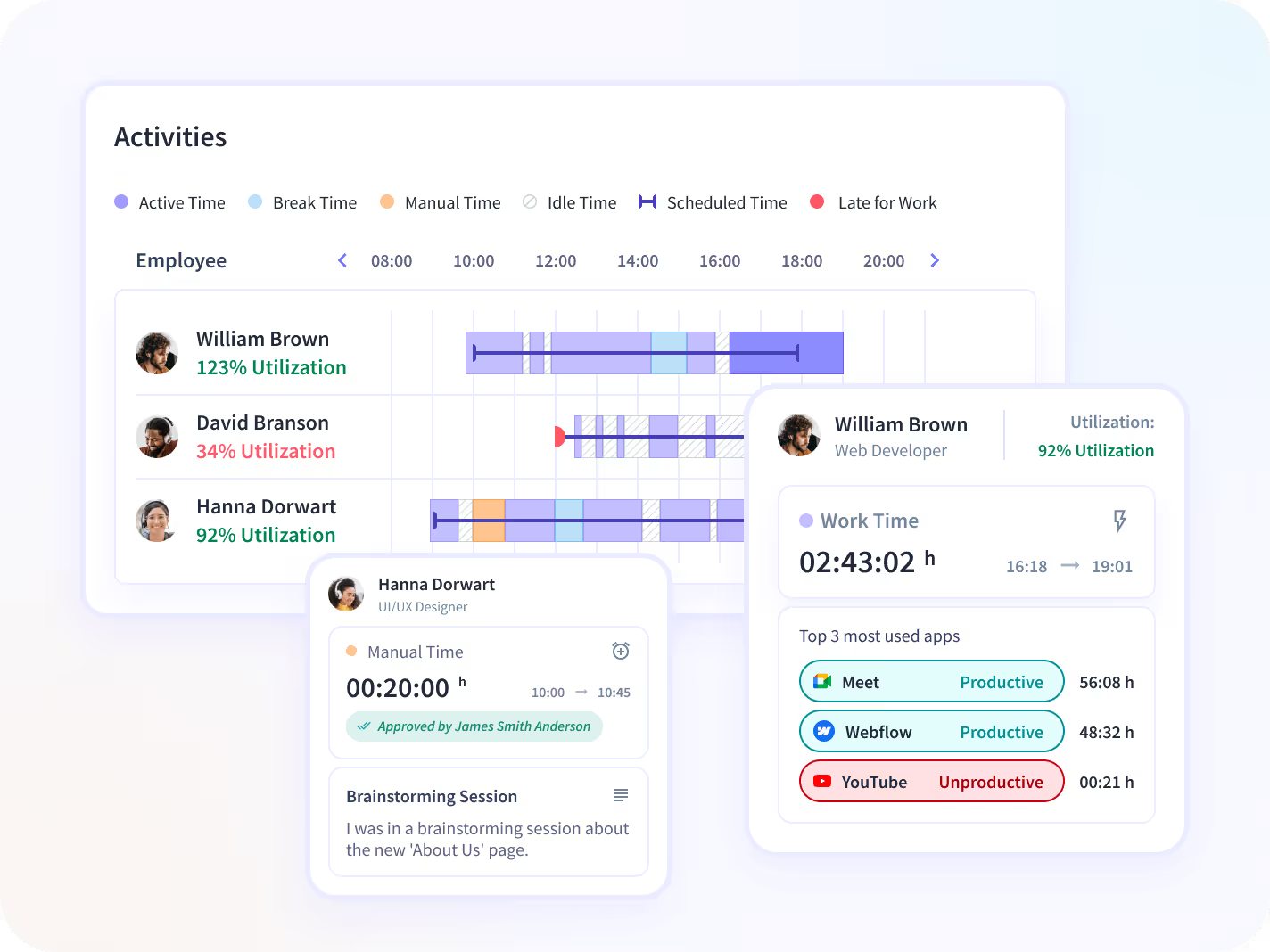
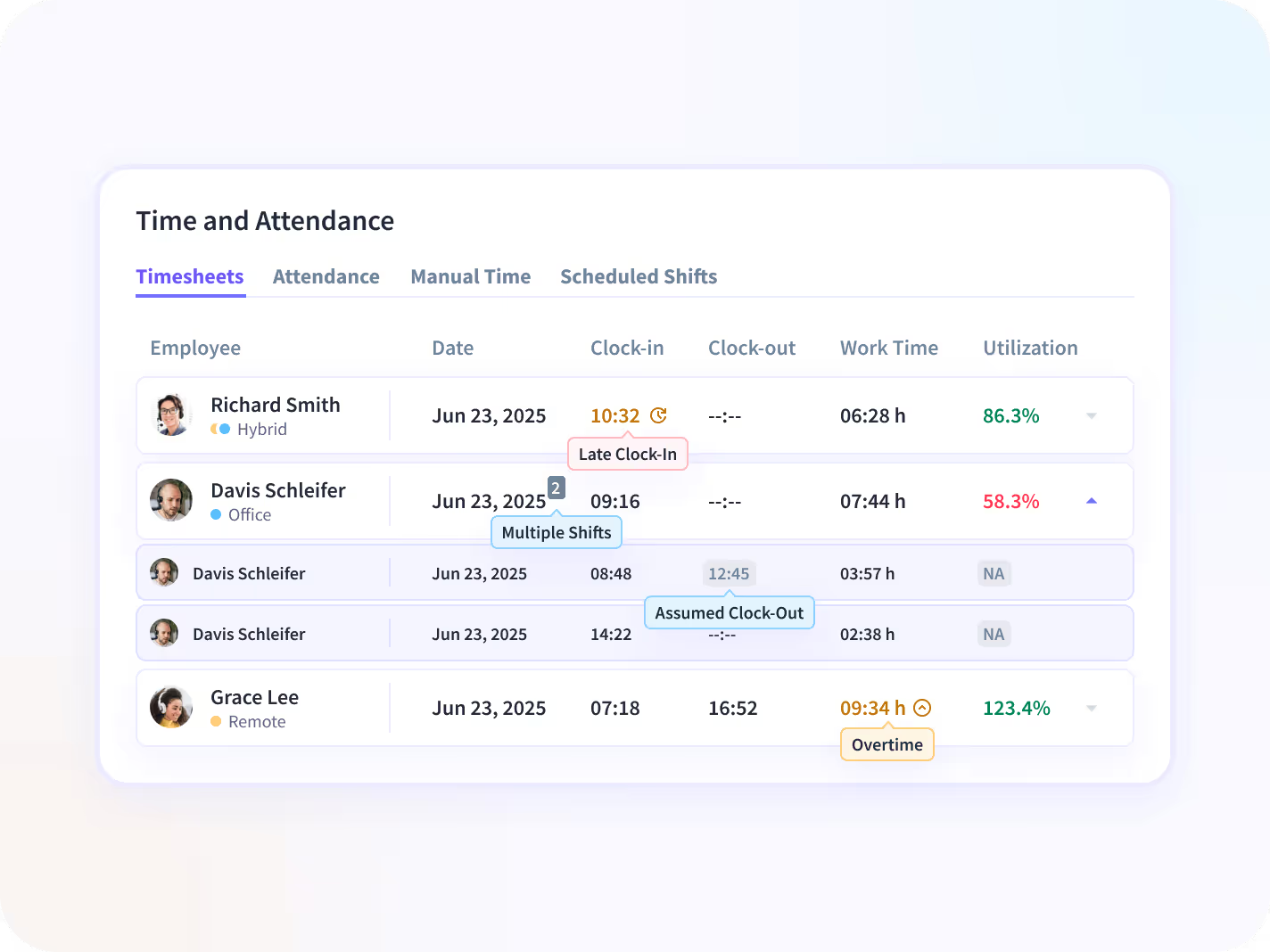
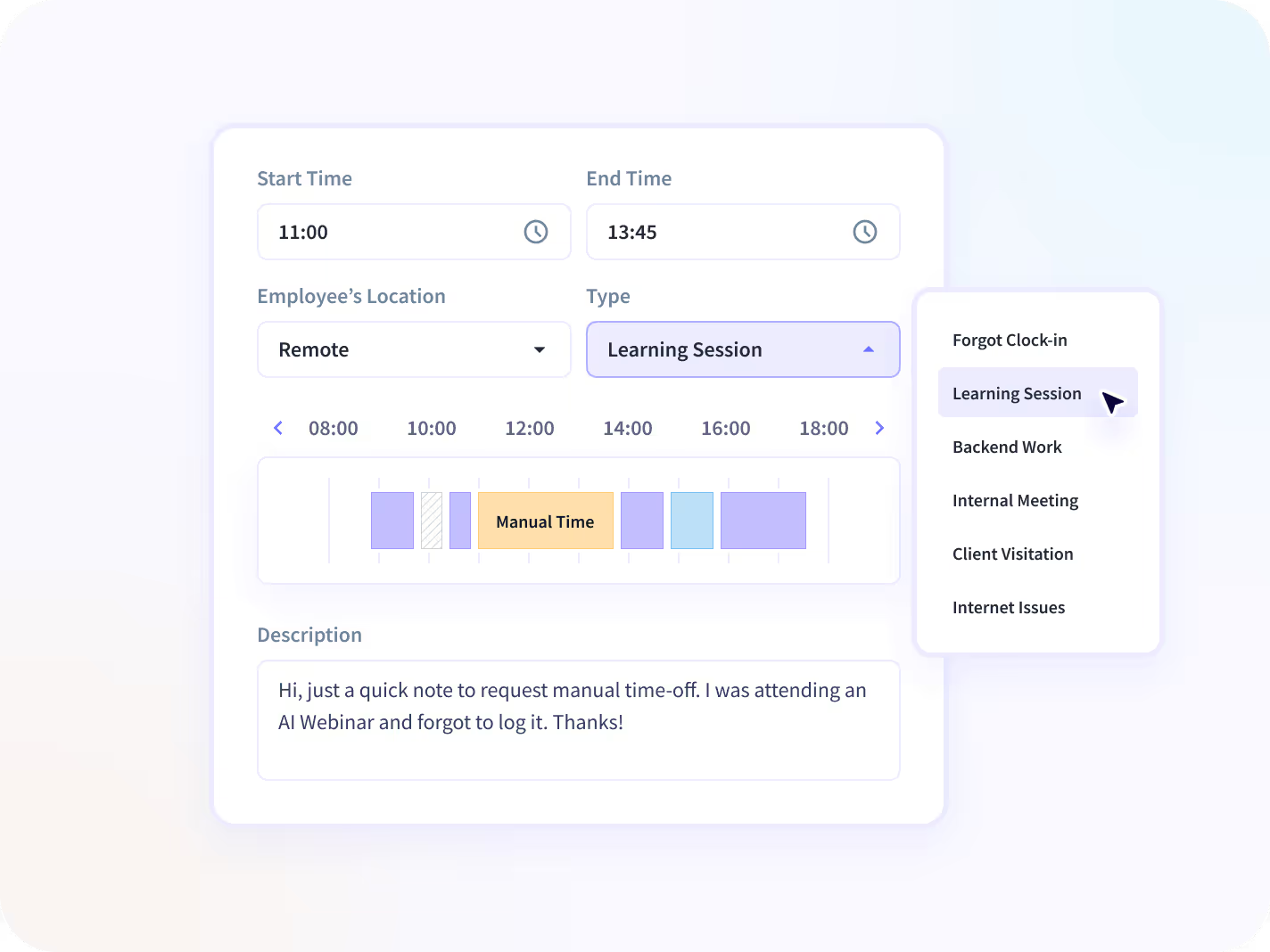
Look into your employees’ activity logs including active and idle time. Or review and approve manual logs.


Prevent malicious behavior and identify suspicious activity to protect your team’s data.
Try Insightful for Free Today
Productivity-Focused Features
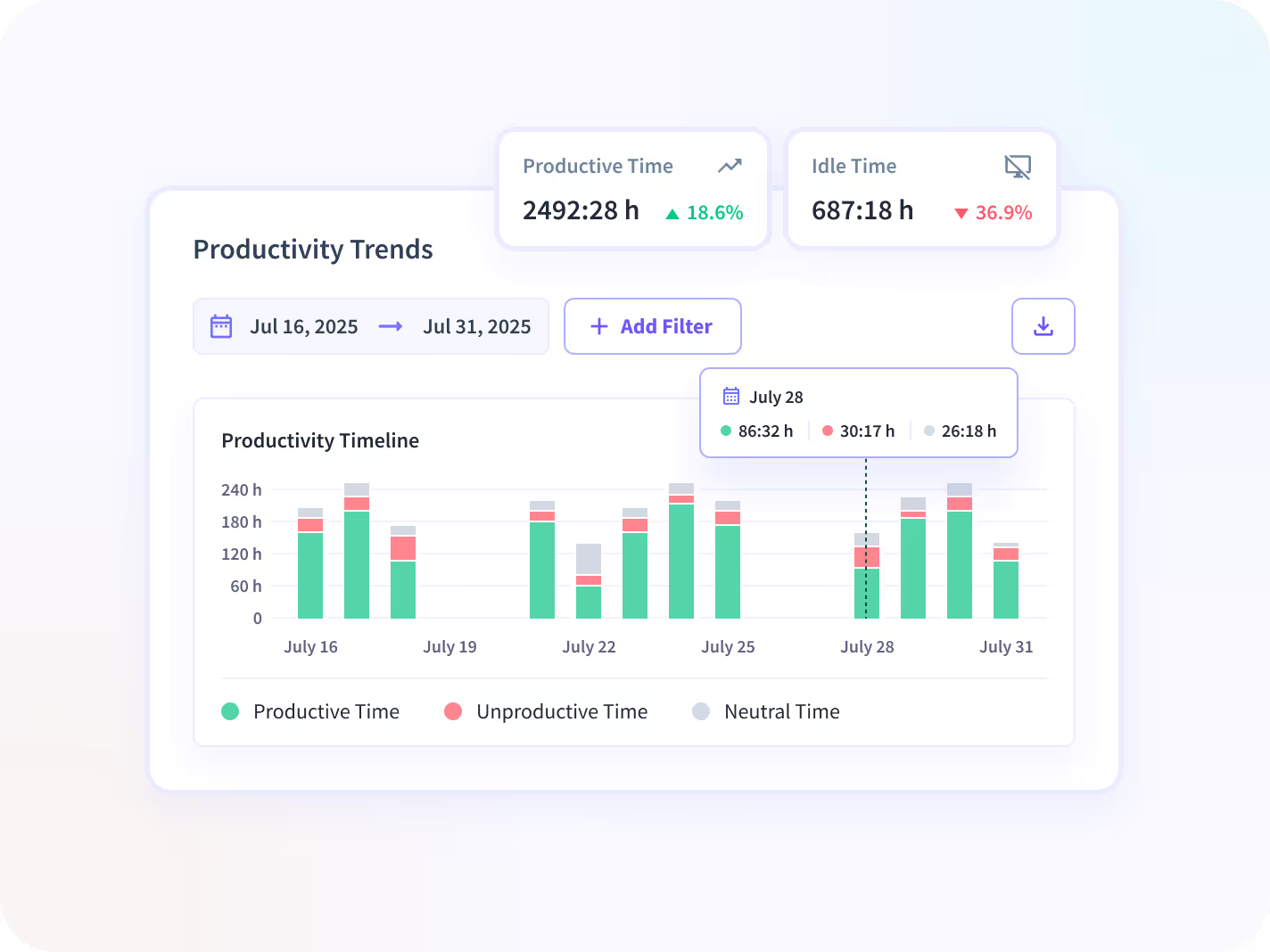
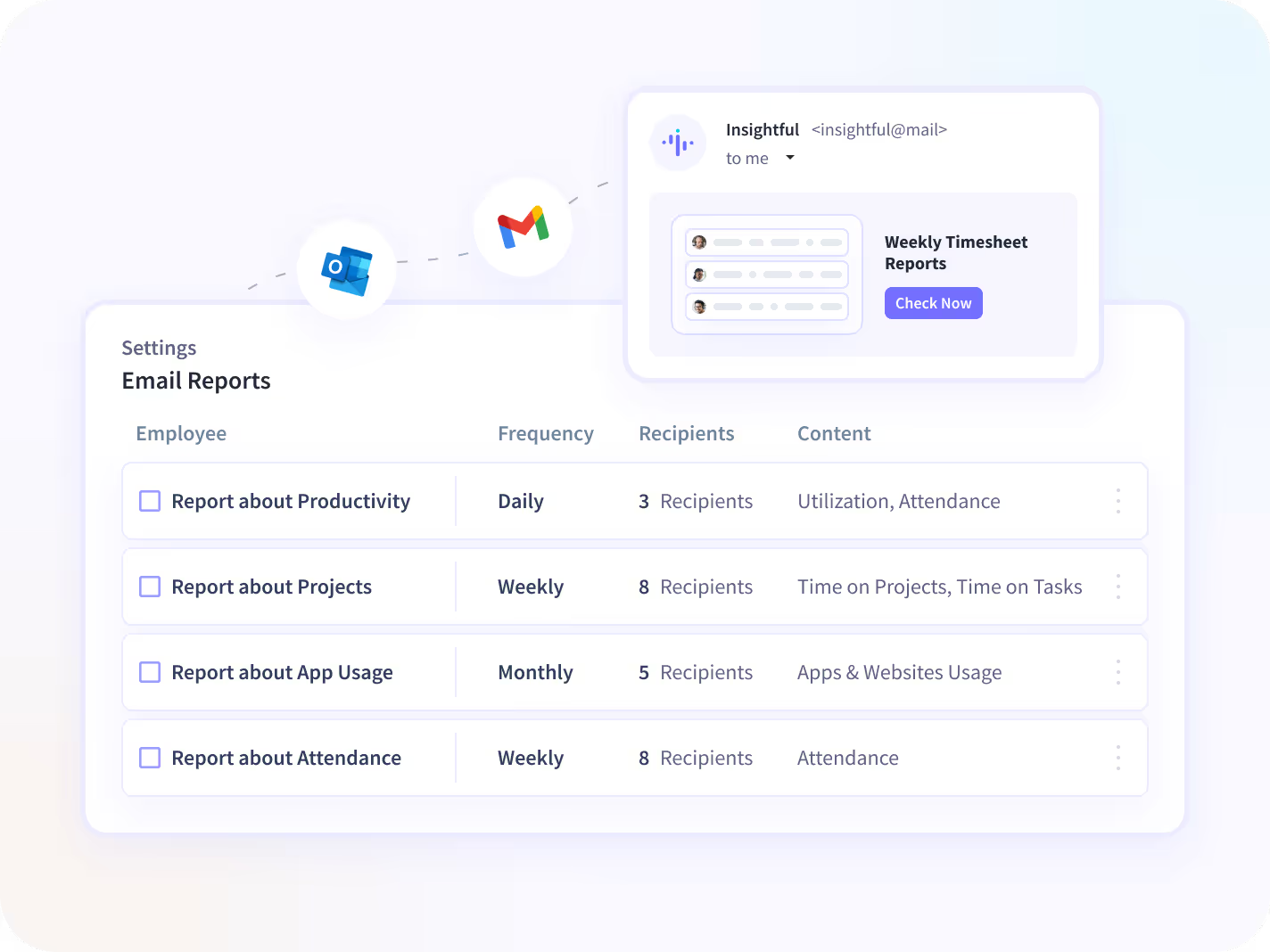
Insightful software for employee monitoring gives you a unique perspective of your employees’ productivity, daily activities, and timesheets.




Get Organized in Your Own Way
Use these features to limit data access, organize teams, and get the most out of Insightful.

Manager Login
Let managers see only their teams' data, analyze performance, and adjust productivity labels.

Employee Login
Promote transparency and accountability by giving your employees access to their own data.

API
Integrate any internal or external software your team uses with Insightful Rest API.

Raw Data
Get second-by-second detailed data about your employees' computer activities.

Alerts
Get alerts based on productivity levels, or unwanted activities.
.avif)
Not sure where to start? The Ultimate Guide to Employee Monitoring walks you through everything you need, from choosing the right tool to rolling it out without resistance.

How Insightful Works in
Different Teams

Company Computers
This option is suitable for office teams who use company owned computers. Insightful starts automatically when the computer is on, but you can choose if it's going to track your employees non-stop, during certain hours or when computers are connected to a specific network.


Personal Computers
Personal computers option is more suitable for remote teams, but it's designed to give more control over tracking to employees themselves. By using the clock in/out buttons, workers decide when Insightful is tracking their time and activities.
Incredibly Easy to Install on Both Mac and Windows


Use Cases
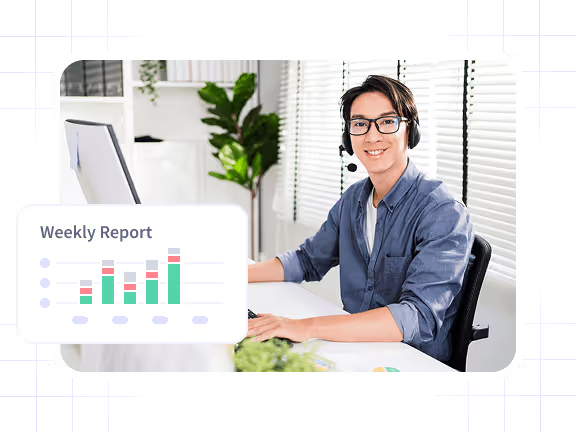
Improve Focus & Productivity

In-depth data insights give you a clear picture of employees’ productivity, including any setbacks they’re experiencing and helps you minimize them. At the same time, just because the employees know about the computer monitoring software, they’ll be more focused, and you can rest assured that their attention is where it needs to be.
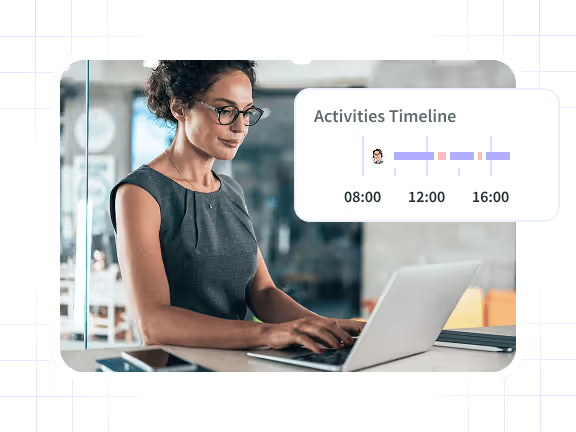
Manage Remote Teams
Monitoring employees is challenging enough, especially if they’re miles away. Thanks to Insightful, you’ll have full control over your remote workers through daily reports on active time, activity tracking, and screenshots. It also helps you simplify payroll process, because you can enter hourly rates for every employee on the team.
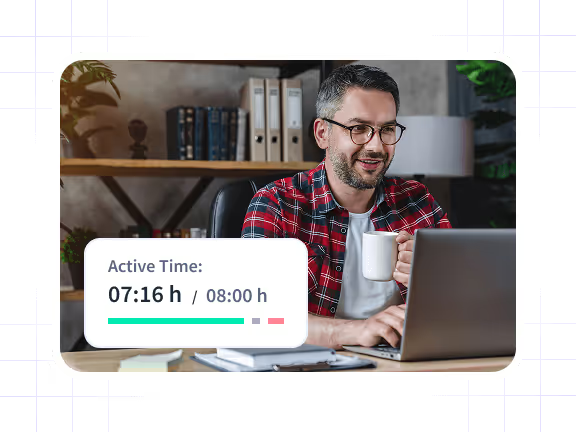
Improve Attendance Accuracy
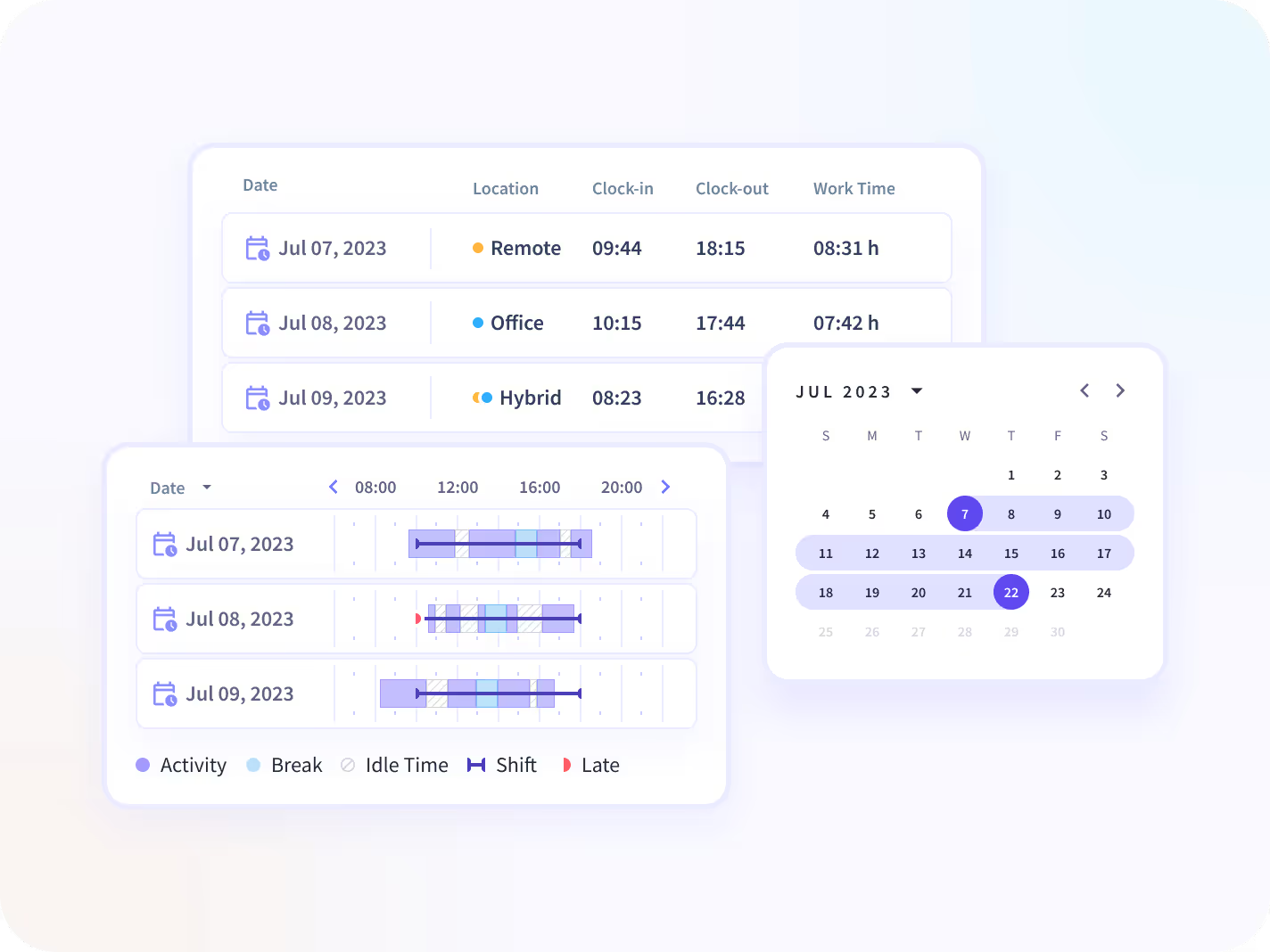
Employees’ attendance is automatically calculated and counted based on their laptop or computer activity, so their timesheets are created once they actually start working, not when they arrived to work. This helps you abide by local labor laws, but also cut down any losses that come from buddy punching and time theft.
Insightful Seamlessly Integrates with Your Technology Ecosystem
With over 50 integrations available on the Insightful platform, connecting with your team's top tools is just a click away.


Ready to Discover How Smooth and Seamless Insightful Is to Use?
Take an in-depth look at how our products work.



Tanya Holmes
Director of Client Services, Botkeeper

How Do You Want to Securely Store Your Data?
Cloud Solution
The best option for teams who want a fast, easy setup in just a few minutes. No tricky setup, added technical equipment, or involvement from your IT team. Your data is safely stored on industry-leading Google Cloud infrastructure using the latest security standards.

On-Premise Solution
Wanting to store your data on your own servers?
Our on-premise solution is for teams who don’t mind a little extra technical effort and have the IT team to pull it off. Your company provides the servers, we use them to store our data.
Resources
Computer Tracking Software: A Blessing or a Curse?
The Best Computer Monitoring Software for Enterprises?
When to Use a Screenshot Feature?
How to Categorize Employee Computer Activities?
How Much Does Employee Monitoring Software Cost?
How to Monitor Employees' Computer Activity
