.svg)


Employee Timesheet Software: How to Choose the Right One for Your Team
Timesheets missing hours again? This checklist shows what to test in employee timesheet software before you buy: from capture and approvals to reporting and compliance.

.webp)




On this page
Measure the work, not the signal.
See productive time and utilization by team, not just what looks active.
Key Takeaways
- The right employee timesheet software should solve a specific problem you have, whether that's payroll reconciliation, missing billable hours, inaccurate project data, or manual reporting.
- Automatic time capture can reduce the gaps that arise when employees forget to record their hours or enter them days later from memory.
- Project- and task-level tracking matters when managers need to understand where hours went and whether work is staying within budget.
- Your team's working model should influence the choice. Agencies, distributed teams, and small in-office teams have different timesheet requirements.
- A good vendor demo should answer practical questions about accuracy, corrections, reporting, pricing, and data portability before you commit.
You finally get all the timesheets in, only to find that several are missing hours, some don't match project records, and a few employees can't remember what they worked on last Tuesday.
Now payroll is waiting, finance can't confidently use the numbers for billing, and managers are stuck chasing corrections. For many teams, this is the point when a timesheet process that seemed manageable suddenly becomes a problem.
Most organizations don't start looking for employee timesheet software until the problems begin to cost them. And when that happens, it's easy to rush into a tool that fixes the immediate issue without addressing the root cause.
A better approach is to work backward from those failure points. This guide provides a practical checklist for evaluating employee timesheet software, along with questions to ask vendors before choosing one.
Signs Your Current Timesheet Process Has Failed
A timesheet process can hold together for months, only to have the same problems show up every pay cycle. Missing hours, unclear project records, and last-minute corrections create extra work for everyone involved.
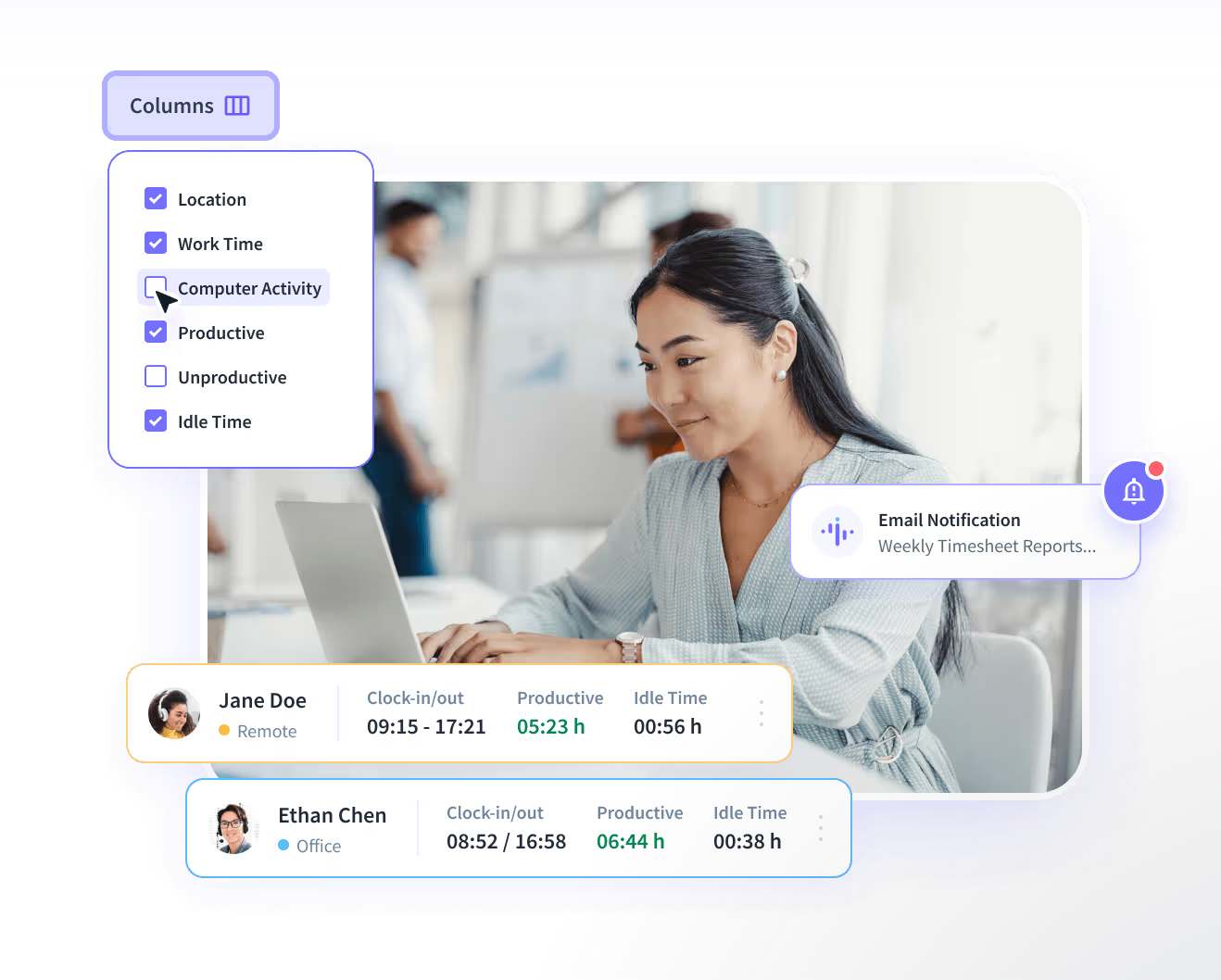
These warning signs can help you pinpoint what's going wrong and, more importantly, what your new online timesheet system needs to fix.
- Payroll spends too much time chasing and reconciling hours. If payroll and compliance have to compare spreadsheets, messages, attendance records, and manager approvals before every pay cycle, the process is eating hours that should go into running payroll, not repairing it.
- Managers can't explain where project hours went. A team’s log that shows 400 hours tells you nothing until you see how those hours are split across clients, projects, and tasks. Without that breakdown, you can't manage project costs or catch overruns early.
- Employees regularly forget to log time. Manual entry depends on people remembering to record work accurately. When entries are made at the end of the day or week, the data becomes an estimate rather than a reliable record.
- Client billing disputes keep coming back. If invoices rely on inconsistent timesheets, even small discrepancies can lead to a client dispute. A clear record of time against specific work makes every invoice defensible.
- Managers are spending time fixing timesheets instead of using them. A timesheet system exists to reduce administrative work. If managers spend hours correcting entries, chasing submissions, or preparing reports manually, the process is piling up work instead of removing it.
The Core Capabilities Checklist
The best way to evaluate employee timesheet software is to test it against the problems your team faces, and the demo is where that testing happens. Don't just ask whether a feature exists. Ask the vendor to show you how it works.
Here are the four areas your demo checklist should cover.
1. Capture Method
The first question is simple: How is time recorded in the system?
When employees have to remember to start timers or fill in hours at the end of each day, missed and estimated entries quickly become a recurring problem. Automatic capture reduces that reliance on memory while still allowing employees to account for work that happens outside tracked activity.
Check whether the software can:
- Capture time automatically
- Allow manual entries when needed
- Assign time to specific projects, tasks, or clients
- Distinguish between billable and non-billable time
Ask the vendor to show you exactly what happens when an employee forgets to record time.
2. Correction and Approval Workflow
Mistakes happen. Someone may forget to stop a timer, assign time to the wrong project, or need to add work completed offline.
Your timesheet system should allow for those mistakes to be fixed without creating more work for managers.
Look for:
- Employee access to their own tracked time
- Simple correction and editing options
- A clear submission process
- Manager review and approval
- A record of changes where appropriate
Choose a tool where fixing an entry takes seconds but still leaves a trail for payroll and project reporting.
3. Reporting Depth
Once time is captured, the report has to work for everyone who depends on it: payroll needs accurate totals, finance needs billable hours by client, and managers need progress against project budgets.
Check whether reports can filter and combine time by:
- Employee
- Project
- Client
- Task
- Billable and non-billable hours
Look for combined filters. Single views still force manual data reconciliation. For example, finance invoices based on billable hours by client and task, not on project totals.
Ask the vendor to show you an actual report, and check that it exports in the formats that payroll and finance in your organization already use.
4. Compliance Coverage
If timesheets feed into payroll or attendance records, compliance requirements need to be part of the evaluation.
Confirm the software supports the overtime and break rules that apply to your workforce. Check how long it retains records, and whether that meets your audit requirements.
If your employees work across states or countries, get these answers for each jurisdiction, in writing. Otherwise, you risk replacing one timesheet headache with a compliance problem.
The best timesheet software reduces the work involved in tracking time, rather than creating another task for employees and managers to keep up with.
Five Questions to Ask Any Vendor During a Demo
Ask the vendor these five questions to test the product for situations your team struggles with.
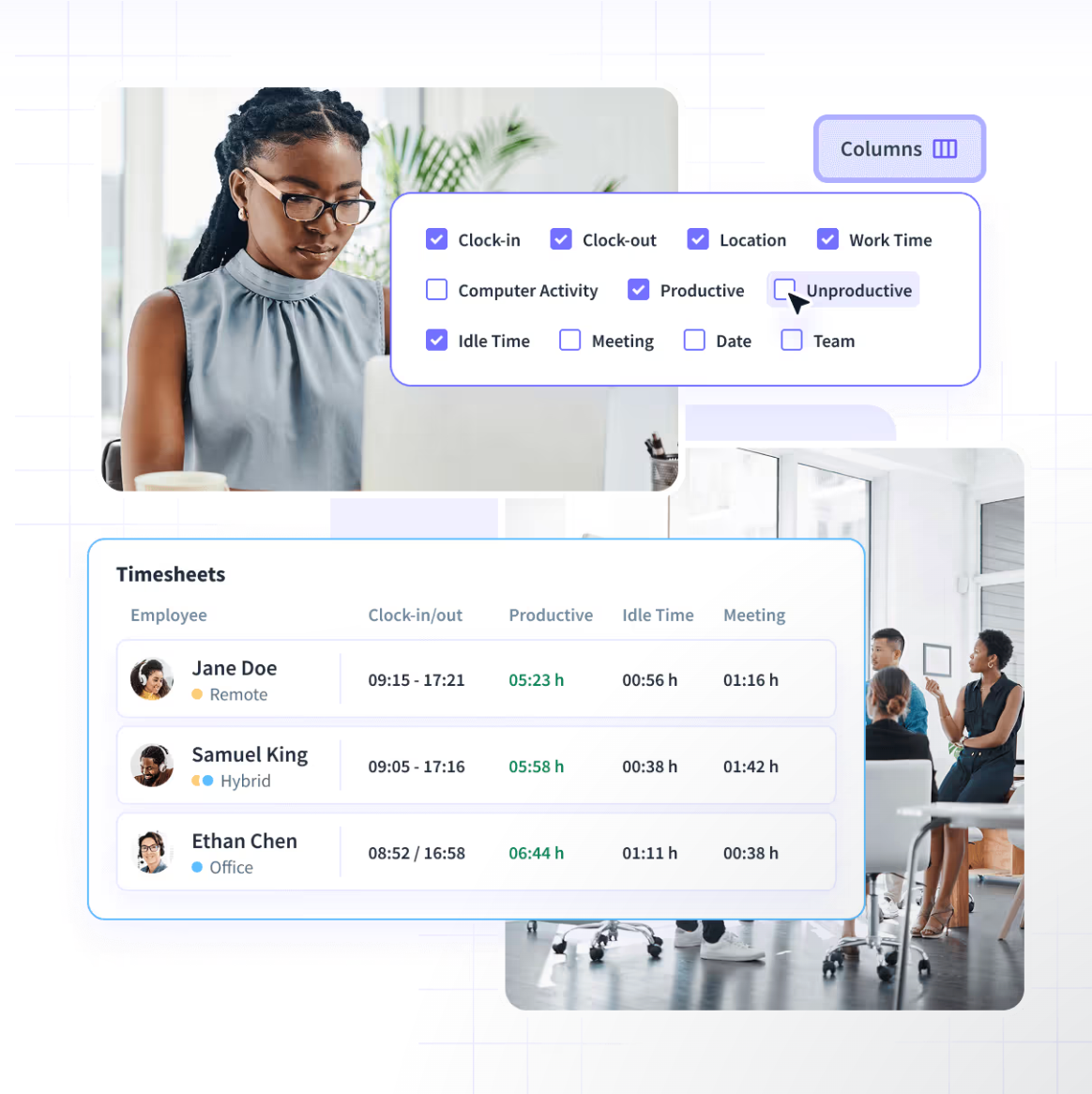
1. What happens when an employee forgets to log time?
This question gets straight to the system's reliability. Ask whether the platform can automatically capture time, send reminders, flag missing records, or provide any other fallback.
2. Can I see a sample report broken down by project?
Bring a real question from your own business, such as billable hours for one client's project last month, split by task. Ask the vendor to build that report live, without switching to a pre-built example.
Watch how long it takes and whether it needs an export to finish. If a trained sales rep struggles to pull the answer, your managers will too.
3. What does the employee's view look like?
Most timesheet tools fail on adoption, not features. If employees can't easily see and check their own recorded time, errors go unnoticed until payroll, and trust in the data drops.
Ask the vendor to log in as an employee, not an admin. See what an employee can view, how they confirm their hours are right, and how many steps it takes to correct an entry.
If fixing a mistake is harder than ignoring it, those mistakes end up in payroll.
4. How does pricing change as we add seats or projects?
Look beyond the starting price.
Ask what happens when your team grows and whether projects or features carry additional costs. Enquire which capabilities require higher plans and whether annual billing changes the price.
5. If we cancel, how easily can we export our historical data?
Your timesheet history belongs in your business records. Ask what data you can export, which formats are available, and whether there are limitations around historical records.
Before choosing a tool, test it against real workflows: missing entries, project tracking, corrections, approvals, reporting, and payroll requirements.
How the Right Fit Changes by Team Type
There isn't one ideal timesheet setup for every organization. The work your employees do influences how much automation and detail you need.
Agencies and Client-Billed Teams
For agencies, the most important question usually isn't simply how many hours employees worked. It's which client and project those hours belong to.
Look for project and task-level attribution, billable versus non-billable tracking, project budgets, and reporting that finance teams can use for invoicing.
The more directly your timesheet data connects to client billing, the less time your team needs to spend reconciling hours before an invoice goes out.
Distributed or Remote-First Teams
When teams work across different schedules, locations, and time zones, automatic capture can reduce reliance on employees remembering to record every hour manually.
Employee transparency also matters. People should be able to understand what time has been recorded and correct inaccuracies when necessary.
For these teams, look for a system that combines automatic capture with clear employee-facing controls.
Small, In-Office Teams
A small team working from the same office may not need deep analytics on day one.
If the main requirement is recording hours for payroll or attendance, simpler time and attendance software may be enough.
In this case, prioritize:
- Fast setup
- Simple employee entry
- Easy approvals
- Straightforward reporting
- Low administrative overhead
Adding complexity that your team doesn't need can make adoption harder without giving managers better information. It's still worth checking whether the tool can grow with you, since switching systems later means migrating your historical records.
Where Insightful Fits This Checklist
Insightful is a work data platform that offers automatic time capture, project and task tracking, reporting, and workforce analytics, directly addressing several of the common timesheet problems outlined above.
Forgotten time entries? Insightful creates automated employee timesheets from computer activity, so there's nothing to remember to fill in. Teams can also allow manual clock-ins and time entries when work happens outside the automatically tracked environment.
Can't tell where project hours went? Insightful tracks time against projects and tasks and shows project status, total time, costs, and employee utilization.
Need corrections without chasing people? With permission, employees can submit manual time for work done away from their computer, and a manager reviews it before it counts. Once approved, the entry is locked.
Need reports for payroll or finance? Pull timesheets for a day, a week, or a custom date range, and export them as CSV.
Want employees to have visibility into their own time? In Visible Mode, admins can grant employees access to their own dashboards, so they can review their recorded time and catch inaccuracies early.
The broader benefit is that timesheet data doesn't have to stop at payroll. Insightful's Workforce Analytics capabilities connect project and task time to productivity, billable hours, budgeting, and invoicing, helping teams use time data to inform operational and financial decisions.
Run Insightful through the same checklist you'd use for any timesheet platform. Start your free trial to see how it fits your team's workflow.
Conclusion
The best employee timesheet software isn't the one with the longest feature list. It's the one that fixes the problem that pushed you to look for a new system in the first place.
If payroll is buried in reconciliation, prioritize accurate capture and approvals. If project costs are difficult to track, look for project and task-level reporting. If employees keep forgetting to submit hours, automatic capture may solve the problem at its source.
Your team type matters too. An agency needs strong project and billing data. A distributed team may benefit more from automatic capture and employee transparency. A small in-office team may simply need a system that's easy to use and maintain.
Take your five vendor questions into a demo meeting with Insightful. Test the workflows that currently cause problems, and let those results drive the decision.
FAQs
How is timesheet management software different from a general time tracking app?
Timesheet management software typically adds structured workflows around tracked time, such as employee submissions, manager approvals, payroll reporting, project allocation, and record-keeping. A basic time tracking app may simply record hours without supporting the broader administrative process.
Can employee timesheet software prevent time theft?
Not entirely, but it can make time theft much harder to hide. Some platforms flag inconsistencies or unusual activity, though no software can guarantee time theft is eliminated. Automated time capture, activity data, and approval workflows can give managers more reliable records and make unusual entries easier to investigate. Some platforms, including Insightful, also detect mouse-movement simulators.
Do timesheet tools work for both hourly and salaried employees?
Yes. Timesheet software can support both hourly and salaried employees, but their requirements may differ. Hourly teams may need overtime and attendance tracking, while salaried teams may use timesheets mainly for project allocation, workload planning, or client billing.
What happens to timesheet data if we switch providers?
It depends on the provider. Before switching, ask what historical data you can export, which formats are supported, and whether there are limits on exporting older records. Confirm this before signing a contract so your organization can retain important timesheet history.
Is automatic time capture accurate enough for payroll?
Automatic time capture provides a more consistent record than relying entirely on memory, but payroll accuracy still depends on how the system is configured and reviewed. Test the platform with your actual workflows and establish an approval process before using its data for payroll.

.webp)
.webp)
