.svg)
Billing Improvements
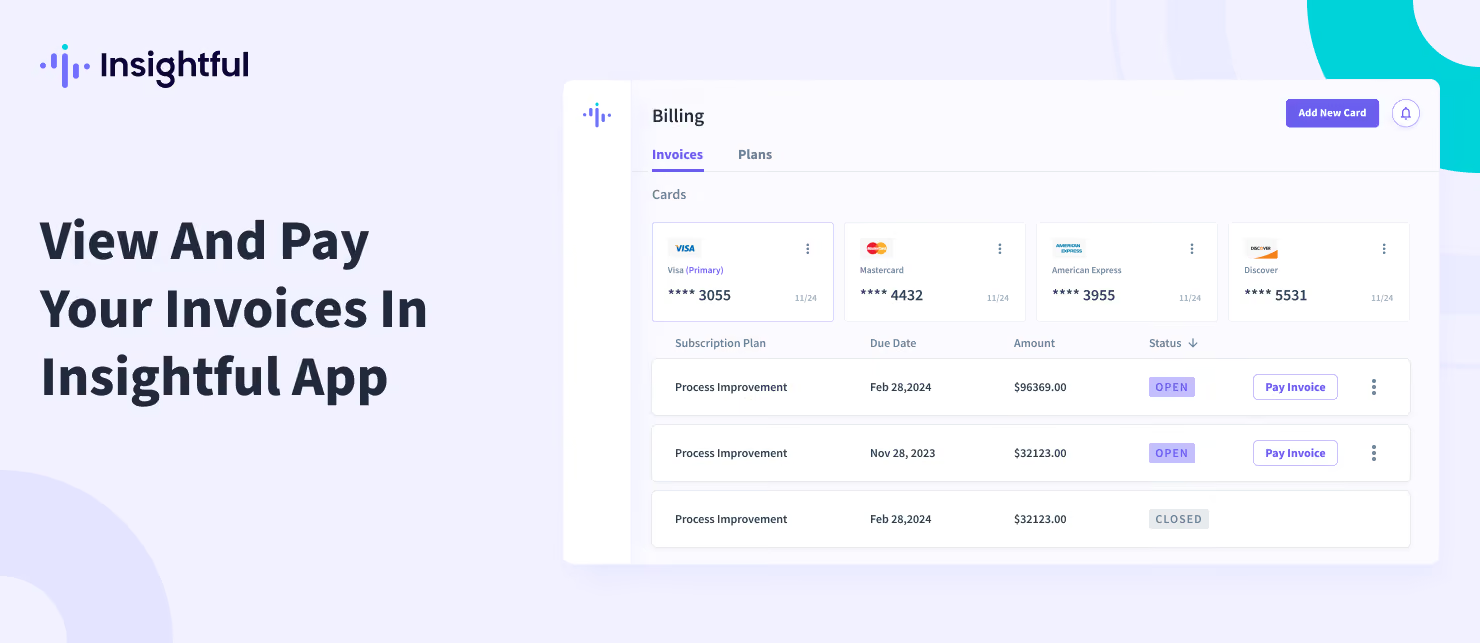
You can now quickly view and pay your invoices through the Insightful Billing Dashboard.
To access all your invoices, go to Settings → Billing and select the Invoices tab. Here, you will find all pending invoices, along with a history of previously closed invoices.
To pay your invoice, simply click on the "Pay Invoice" button, and you will be redirected to Stripe, where you can choose your preferred payment method.
For more information on how to navigate your invoices, please visit this help article.