.svg)


Protect your team's focus time, one meeting at a time
Six hours of meetings costs a team far more than six hours, and nobody can say which one to move. Insightful shows you which meeting is doing the damage, and who is already over.


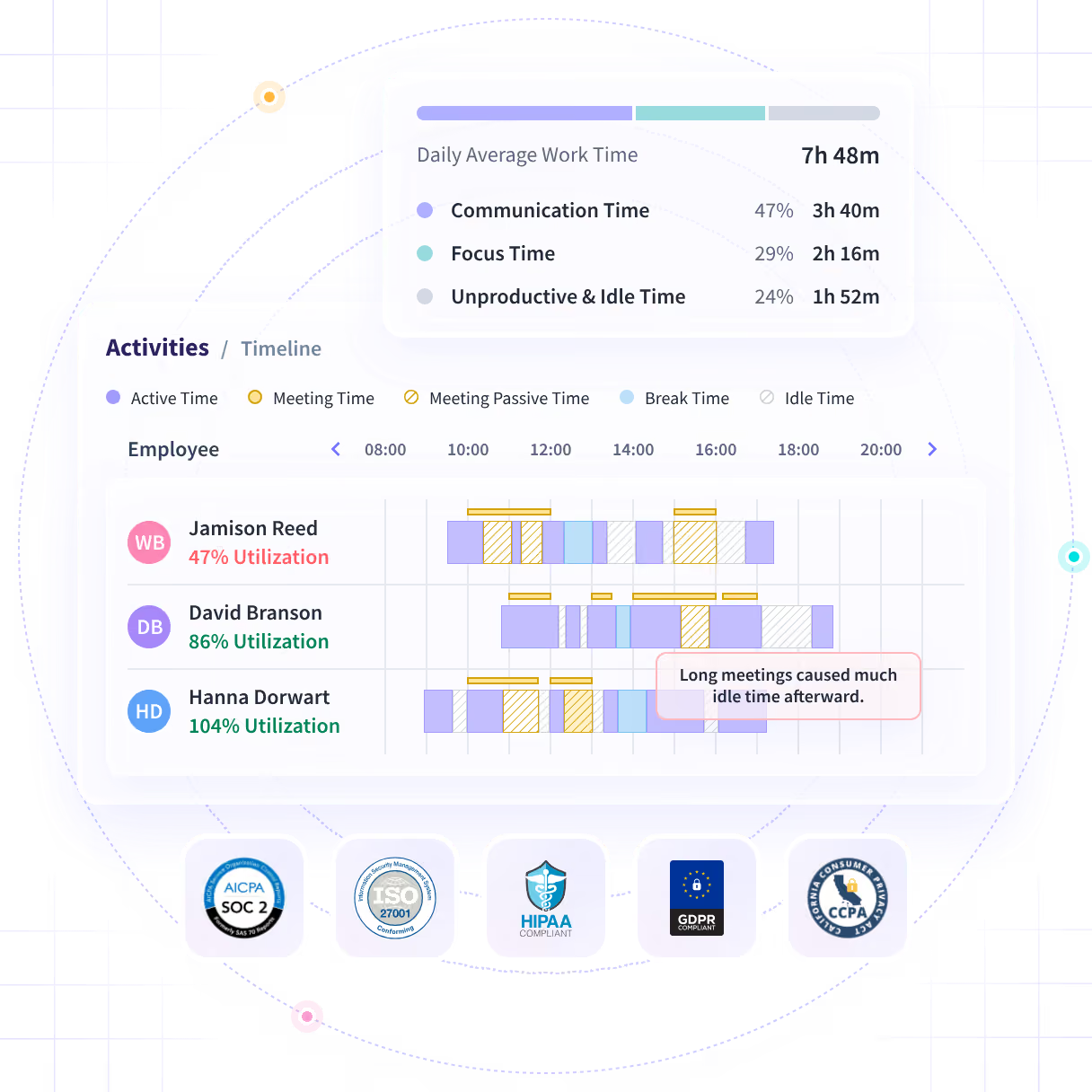










Know which meeting to move, instead of guessing

Without Insightful

You believe them, and you still have no idea which meeting to touch.
The calendar says two teams had the same week. They did not.
Unbooked calls, message threads and email take hours nobody counted.
Usually after the date slipped, or after they had already decided.
You moved a meeting last month and have no idea what it bought.

With Insightful

The one with the most hours behind it, and the worst place in the day.
One team kept a whole morning. The other never got forty minutes.
A call nobody put in a calendar still shows up against the week.
Today's load next to a normal one, while you can still move something.
The month before and the month after, on the same measures.
Find the meeting that is costing you the most
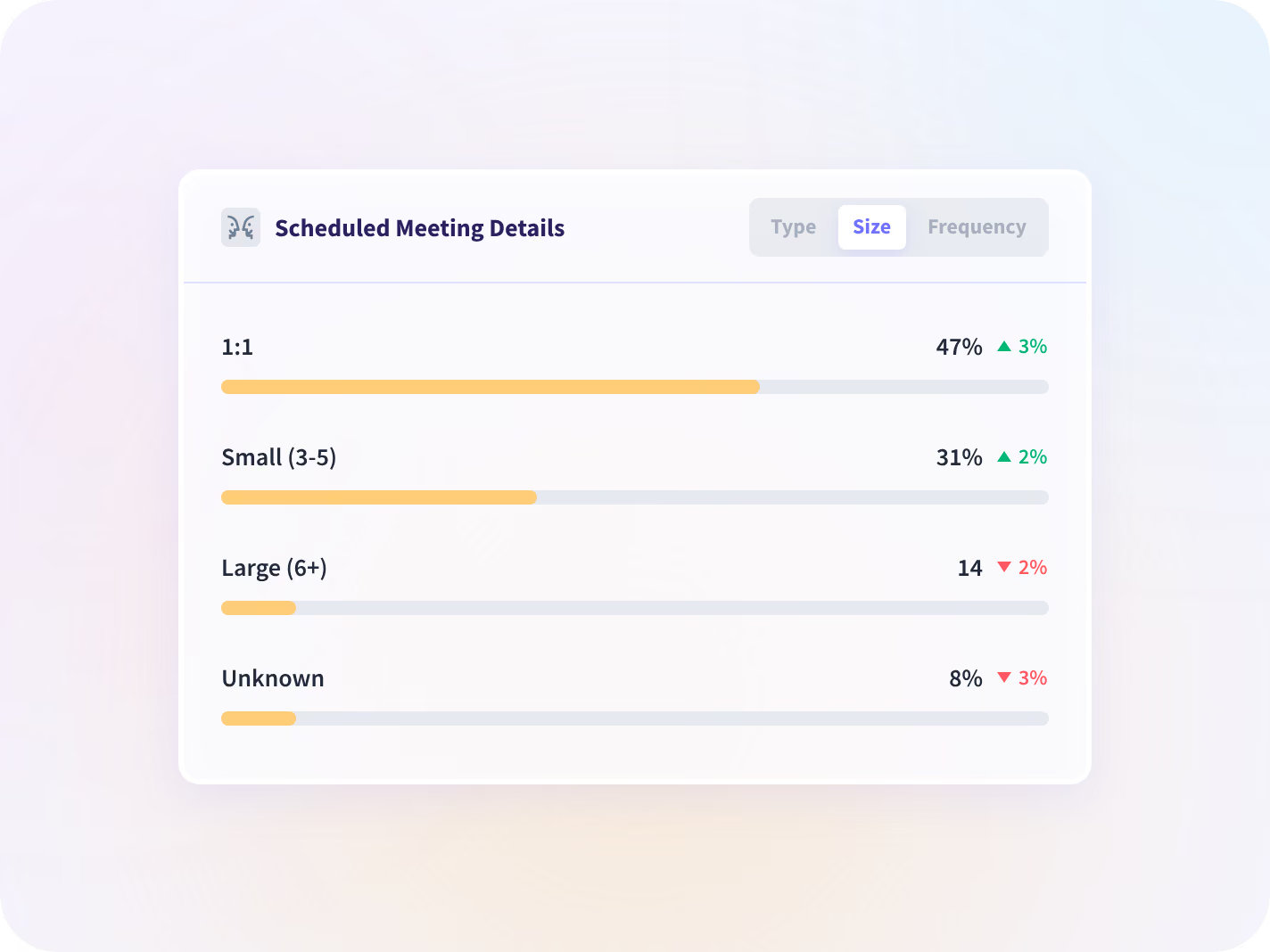
Every meeting, call and message thread is counted, whether or not anyone booked it. You see which ones repeat, how long they run, how many people sit in them and where they land in the day.
- The Tuesday sync: ninety minutes, eleven people, in the middle of the afternoon
- It counts that a meeting happened and how long it ran, never what was said
See how much usable time your team has left
Six booked hours can leave one team a whole morning and another nothing longer than forty minutes. A booked-hours count reads those two weeks as identical. This counts what was left over.
- The longest unbroken stretch each person had, per day, across the week
- No calendar connection needed, which is why an unbooked call still counts
Move one meeting instead of cancelling ten
See who is drowning while you can still help
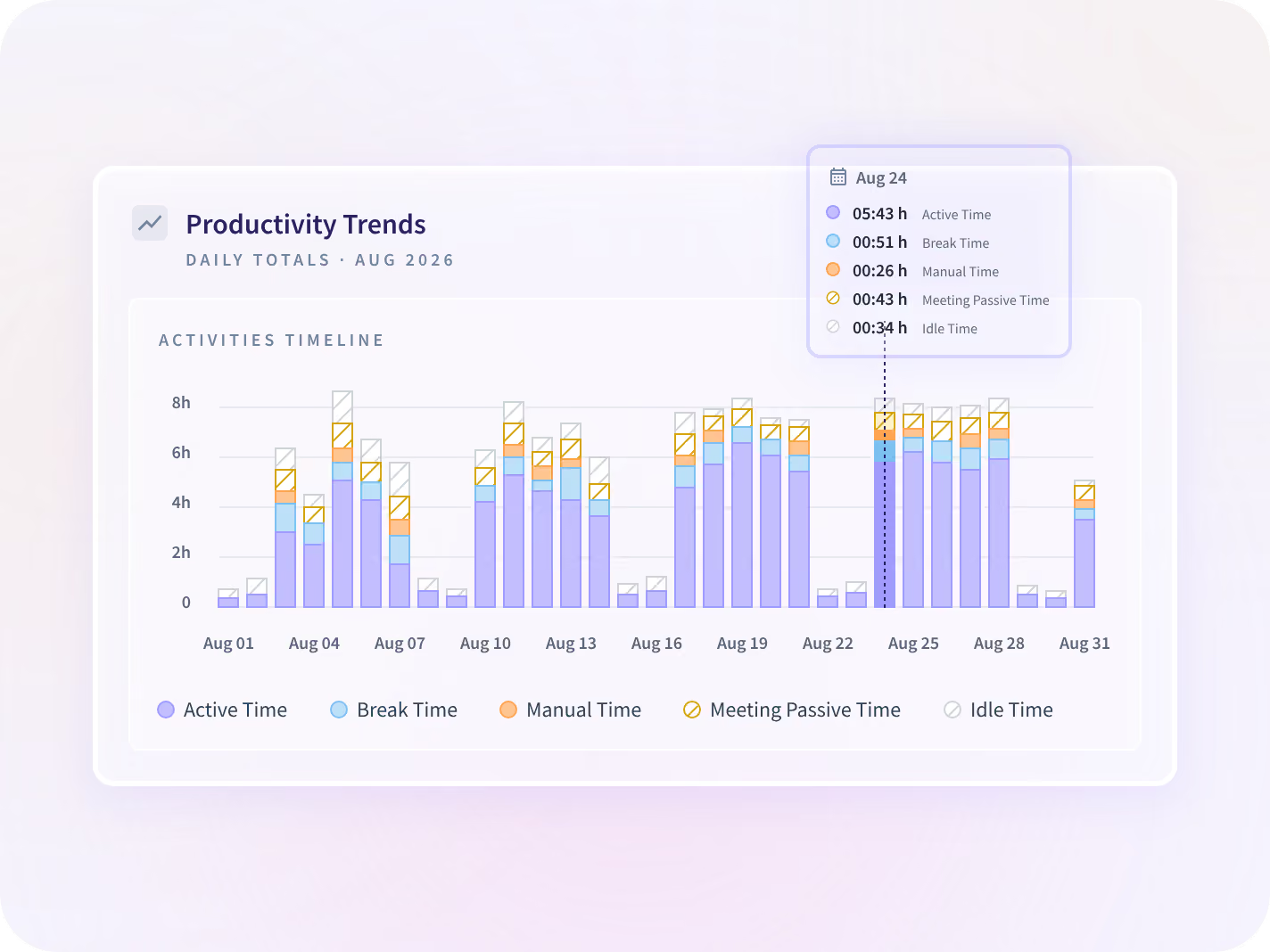
A finished week tells you what went wrong. Today's load tells you whose day has already gone, and a quiet hour reads as a meeting when it was one, so nobody gets chased for the wrong reason.
- Today's hours next to a normal day for that team, not against a target we picked
- Reported by team. Looking at one person is a choice you make, not a default
Check that moving it actually gave time back
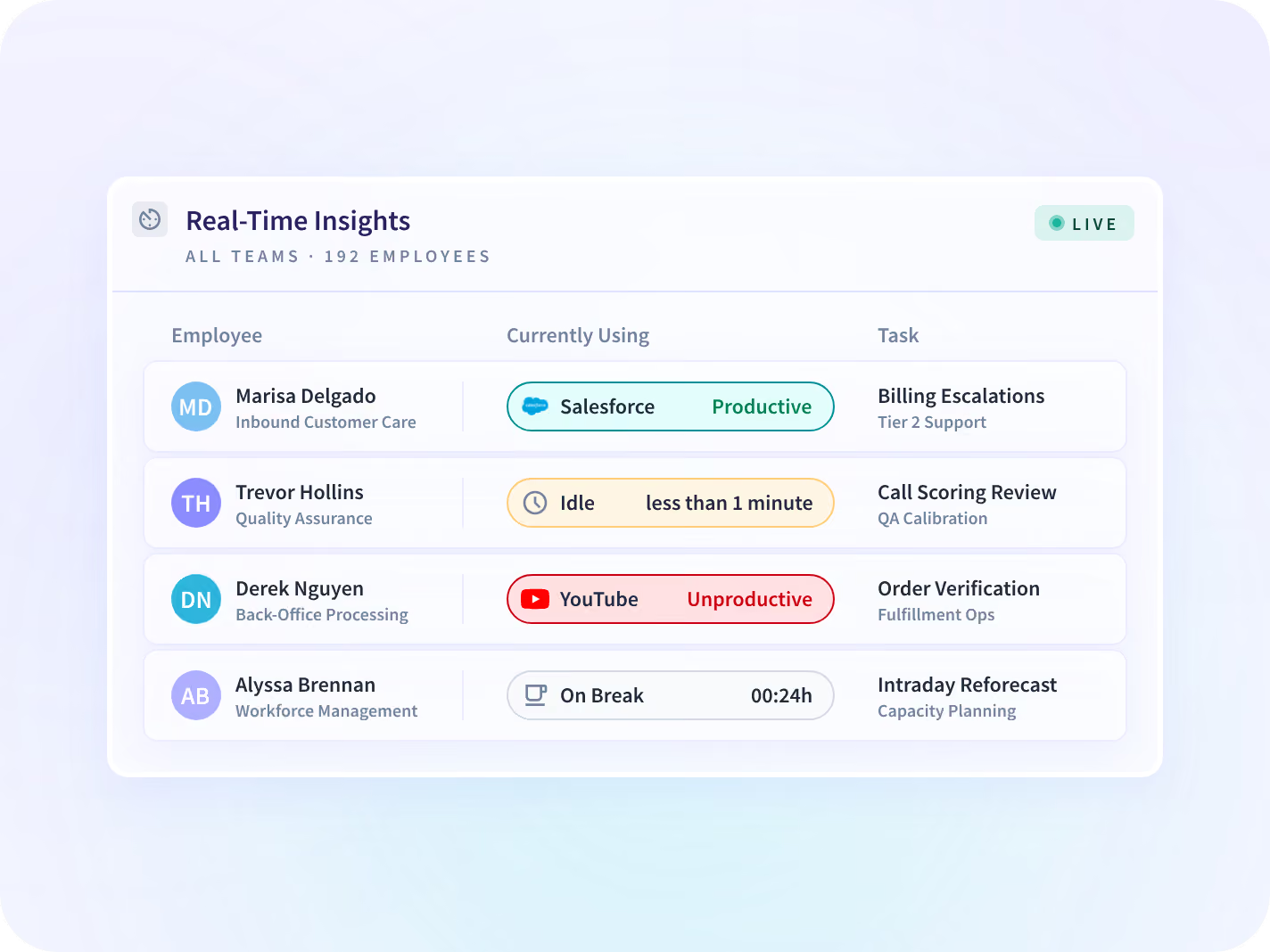
The month before and the month after, on the same measures, for the same teams. No score and no ranking, so the conversation stays about the calendar rather than about a person.
- The team that moved its sync, and the three teams that did not, side by side
- You get a team and a date to go and ask about, never a cause
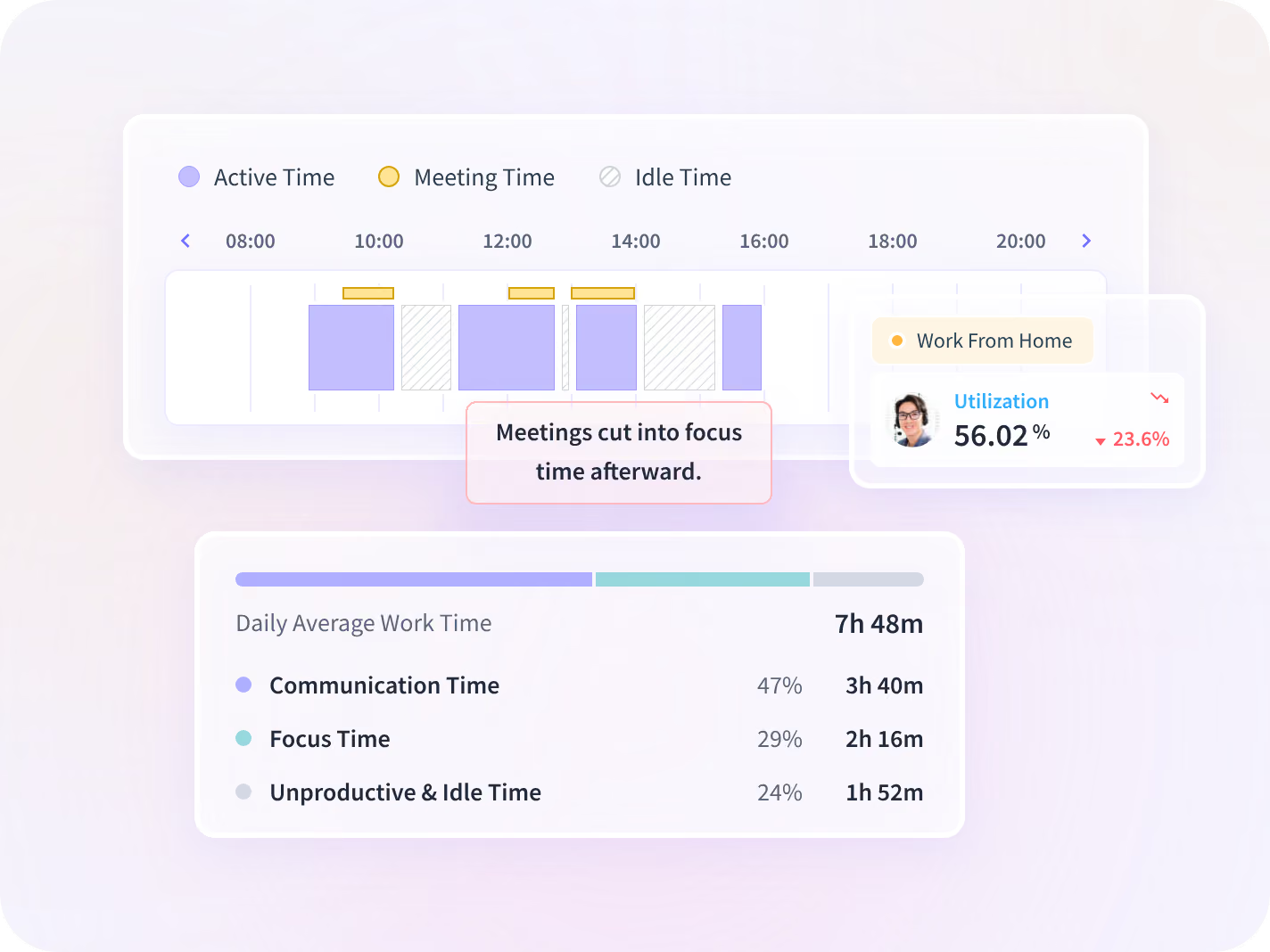
We count that a meeting happened, not what was said
Insightful records that a meeting ran, in which application, and how long. No audio, no video, no transcript. Narrow by design, so a useful two-hour meeting and a useless one look the same here.







What to move, and who to help first
On their own, each report answers half a question. Read together they tell you which meeting to move and which team is already over, which are the two things a manager actually has to decide.

Is the load spread fairly across my team?
Meeting hours read across the team rather than person by person, against the month before.

Can I defend this change to the people it affects?
Everyone sees the same numbers you do, which is what a calendar change has to survive.

Is this a calendar problem or a workload one?
The month-long version of the same question, and the page that answers it rather than this one.
Teams that stopped assessing workload by hand







Every place the day's coordination happens, connected
Your conferencing applications, your chat stack and your calendar sit beside the record, and the split works with none of them connected. You can talk to your work data with MCP connectors.



Name the meeting before you cancel anything
What HR leaders ask us most
The Communication Report is the feature that produces the split: meetings, calls, messages and email totaled against time on the work, by team and by application. This page is what a People team does with it next, which is one decision rather than four reports. If you are evaluating the reporting itself, that page is the one to read.
Count what the week actually left, not what the calendar booked. Insightful is a work insights platform. It collects hours, application use and meeting load from desk-based teams and reports them by team, each measure against the period before. On this job that means every meeting, call and message thread is counted, meetings break out by type, by size and by how often they repeat, and the hours are captured as the work happens rather than typed in on Friday. Two teams can book the same six hours of meetings and only one still has a whole morning, which is why moving one standing meeting to the edge of the day beats canceling ten.
No. The split works from activity data alone, which is also why an unscheduled call counts and a meeting somebody declined does not. Connecting a calendar adds the breakdown between scheduled meetings and ad-hoc coordination. Worth confirming your exact stack on the call.
No, and the difference is the time frame. This page is about the week you are in: which standing meeting is taking the longest runs of the day, and what the coordination actually took once the unbooked calls were counted. Reading one person's load rising over a month, and what to do about it, is Prevent Burnout & Retention. Start here if somebody is already complaining about the week.
Team level by default. A week arriving in pieces is a property of a team's calendar rather than of a person, and reading it per person turns a scheduling fix into a conversation about somebody's character. The person-level read exists and is a decision to make before deployment rather than after somebody finds the export. In a visible rollout each person can open their own record.
