.svg)


Project time tracking that nobody has to fill in
Insightful runs on each person's computer and reads which applications and files they work in. Those hours map to your projects, ready to read as workload, as cost and as the line you bill.


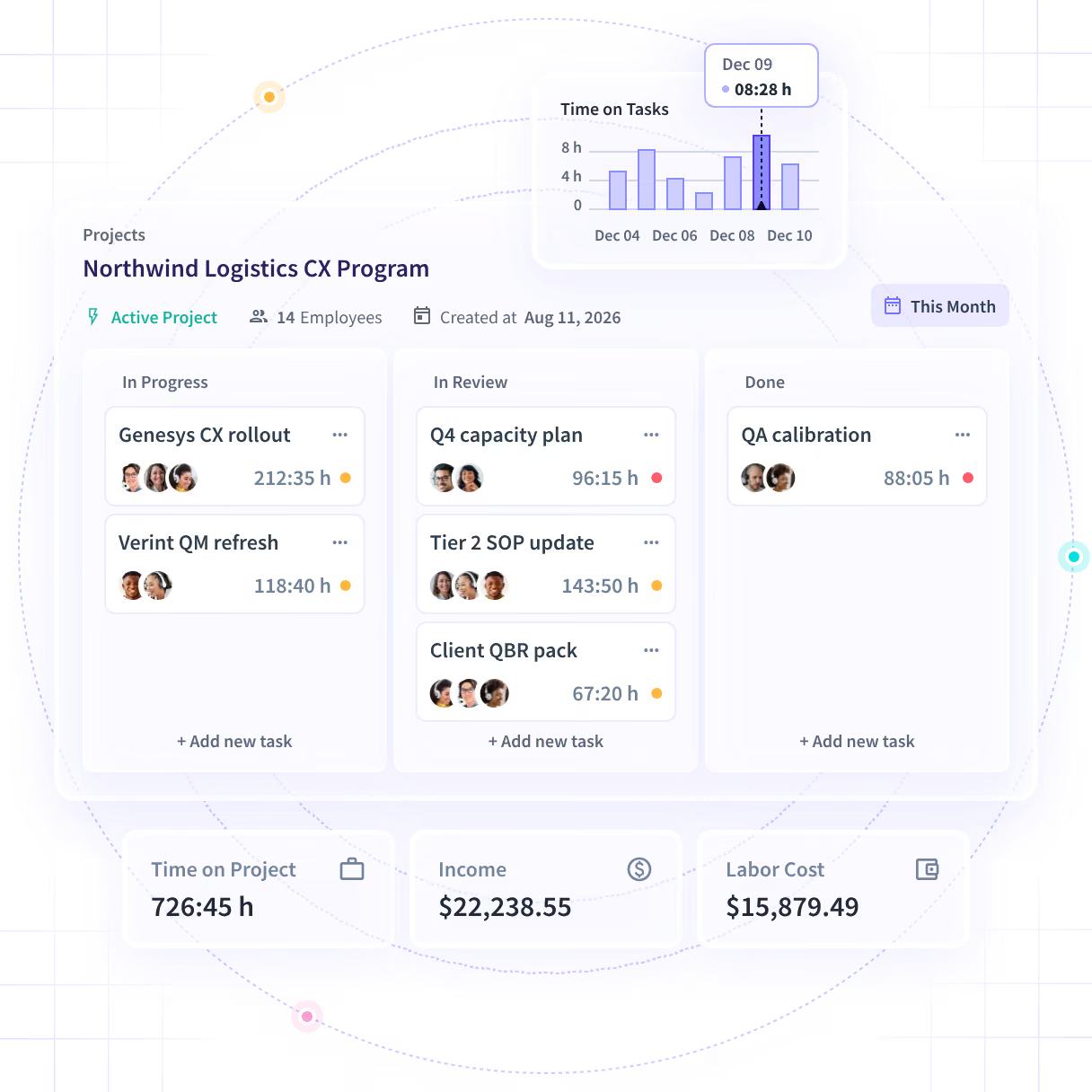










See the project while there is still time to steer it

Without Insightful

The project is over by the time anything tells you it went wrong.
Days after the work itself, into a field the person resented all week.
A manual study takes days and is out of date the morning you finish it.
Activity says the team worked. It never says why the build took nine days.
Somebody changed the figure and the record does not say who, or why.

With Insightful

The hours land on the project as the work happens, so the number is already there.
Insightful reads the applications and files, and maps them to your projects.
A cost per project you can put in front of Finance, from the week it ran in.
Meetings and applications land on the same project total as the hours.
Every change carries who made it and who approved it, in a record no user can alter.
See who is carrying too many projects at once
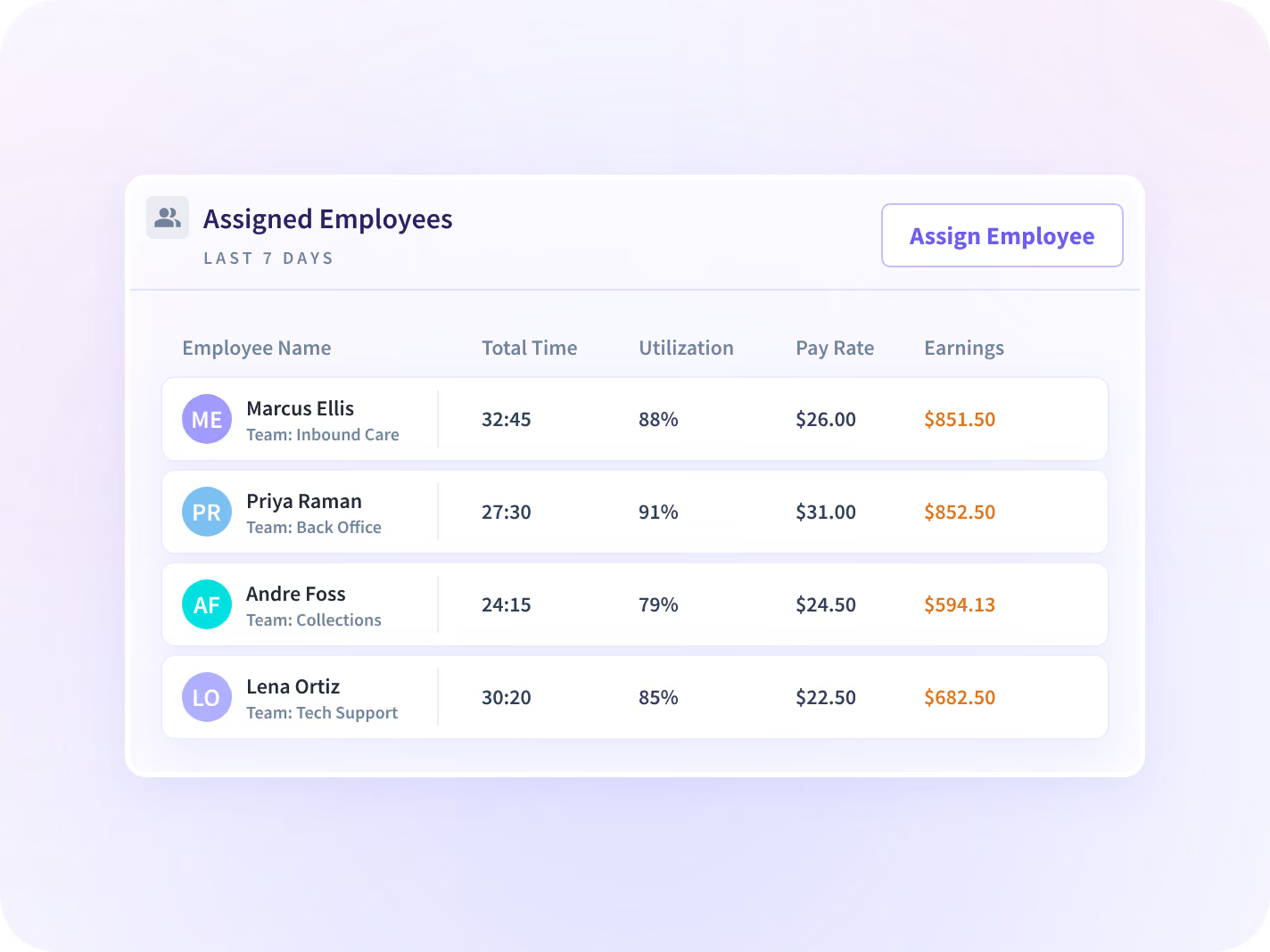
Today's hours by person and by project sit beside a normal day for that team. You see who is over and which project is running hot, while there is still somebody free to move.
- Hours so far against the estimate, updated through the day rather than at week end
- Today's number is a team number. Nothing on this page scores or predicts a person
Bill from hours nobody had to reconstruct
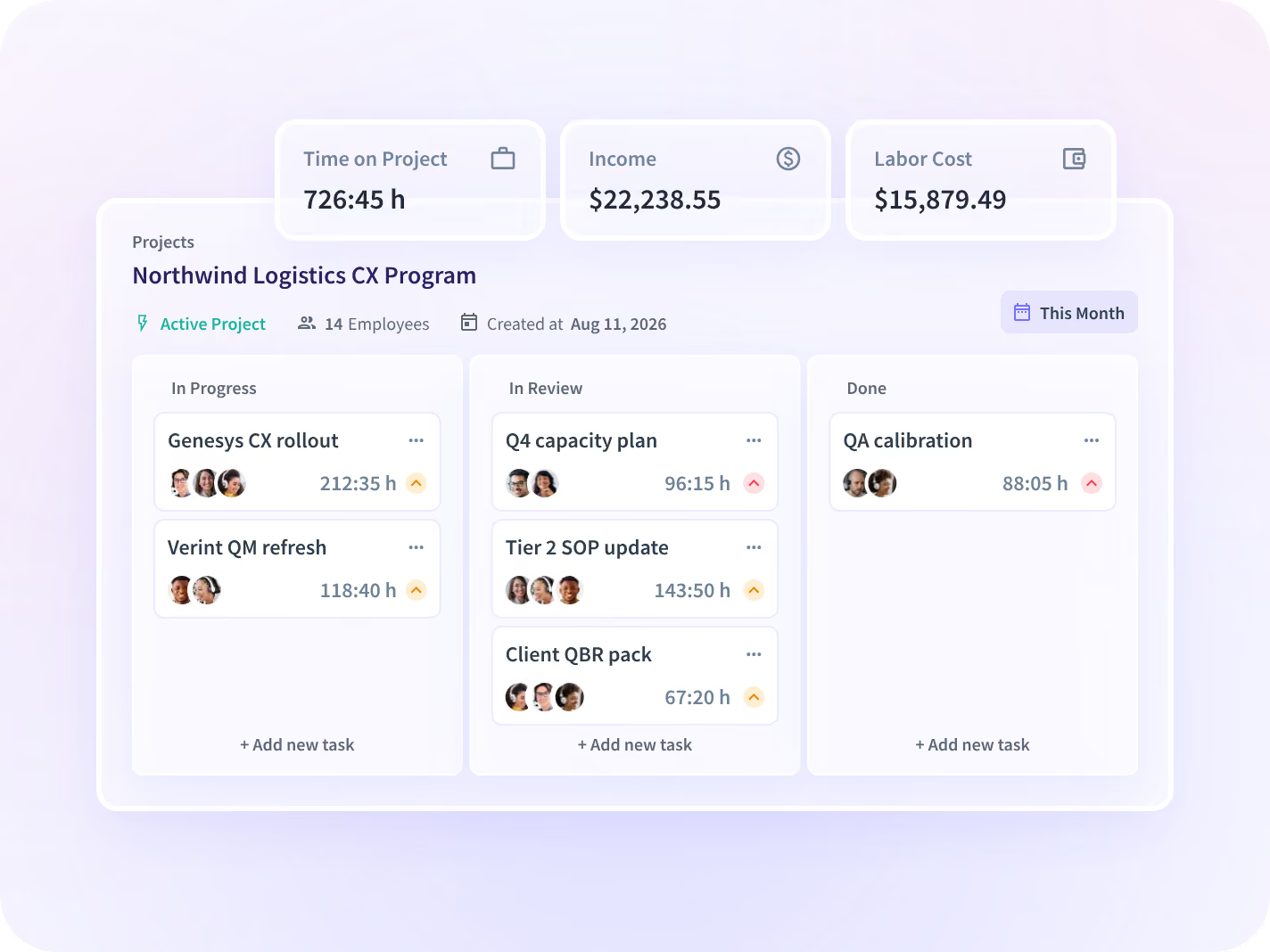
Insightful reads which applications and files each person is in and maps them to the projects in your own tool. Apply your own rate and those hours read as cost, and as the line you bill.
- H&CO put over 200,000 hours a year back into delivery once hours stopped being typed in
- Every correction carries who made it, who approved it, and the values either side
Price the next one from a number that holds
Quote the next one from the hours this one took
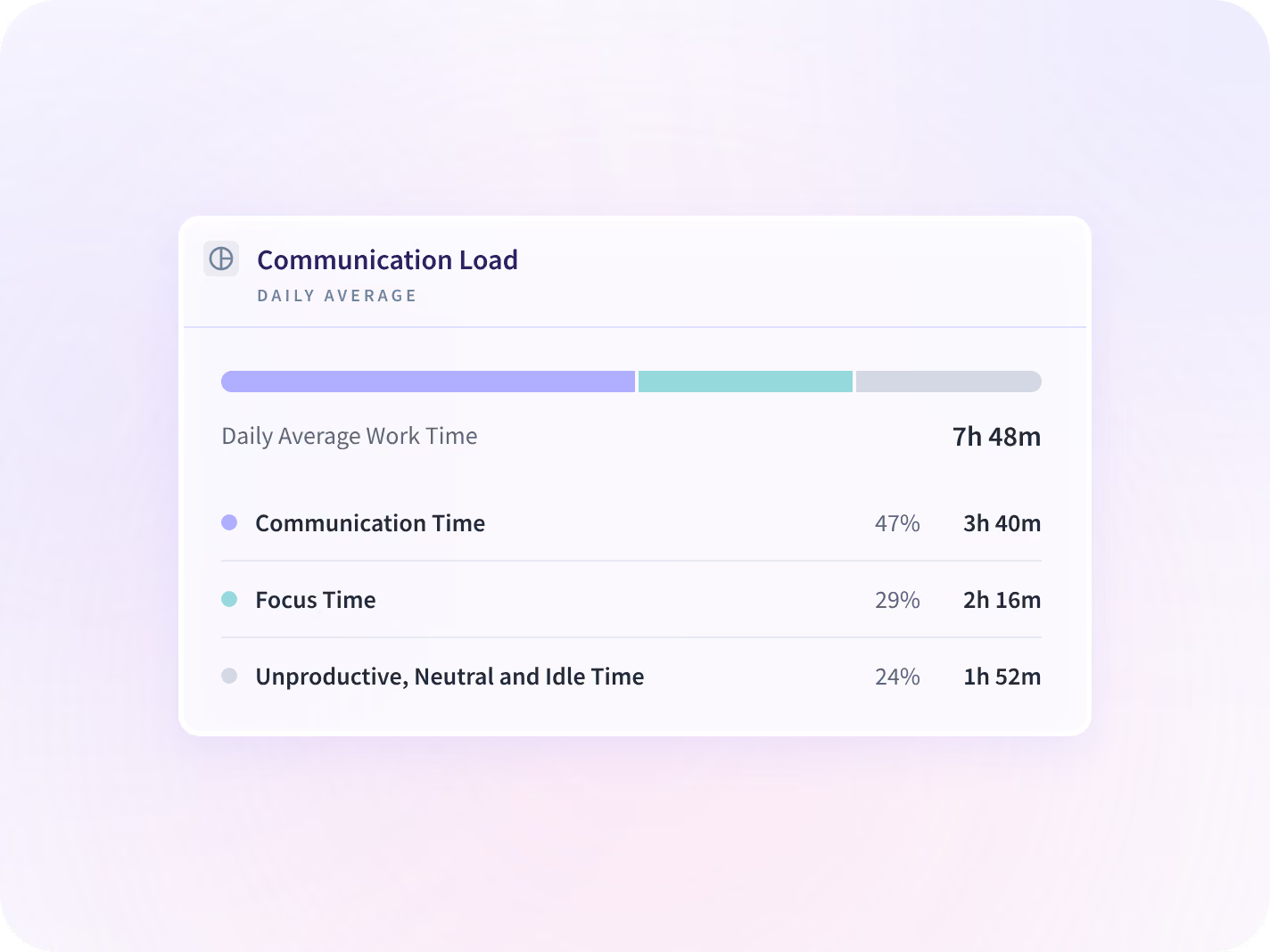
Meetings, calls and message threads count toward the project too, whether or not anyone booked them. They are part of the gap between the quote and the figure the work came in at.
- The standing client call, its length and how many weeks of the build it ran
- It counts that a message happened and when, never what was written in it
See which week the estimate stopped holding
This project sits next to the last three of the same kind, week by week, on the same measures. You see the week it stopped holding its estimate instead of hearing about it at the end.
- The three builds before this one, laid out week by week beside it
- You get a team and a week to go and ask about, never a cause
We count the hours, not the words in them
What gets collected is set per team before anything is deployed, and the list is published, versioned and dated. Insightful records that work happened and in which application, never its content.







What it is costing now, and what it will come in at
On its own each report answers half the question. Together they tell you what the project is eating this week and what it is on course to cost.

Was this account worth the hours it took?
Your own rate against hours recorded when they happened, read as margin per project.

What should the next one be estimated at?
The same work one level down, as a range per task type rather than a single number.

Can the client see the hours on the invoice?
The same hours turned into an invoice line, with every edit carrying a named approver.
Teams that stopped rebuilding the total on a Friday







Every system the delivery runs on, connected
Jira, Asana and the rest hold the plan, the tasks and the dependencies, and Insightful runs beside them across 50+ integrations. You can talk to your work data with MCP connectors.



Find out what your last project actually cost
What delivery leaders ask us most
By reading which applications, files and boards each person is working in, and mapping them to the projects that already exist in your own tool. Nobody starts a timer and nobody fills in a field. Your own rate turns those hours into cost, and into the line you bill. Part of the gap between the quote and the final figure is the hours nobody invoices: the chasing, the handovers and the calls nobody put in a calendar. The mapping is only as good as the setup behind it, and a project nobody scoped in the tool will collect hours in the wrong place.
No, and it is not built to be. Jira, Asana and the rest hold the plan, the tasks and the dependencies, and Insightful integrates with them. What it adds is the half those tools cannot see: the hours the work took, including the meetings and chasing around it that never became a ticket.
Yes, and every adjustment carries who made it and who approved it. A record nobody could correct would be worse, not better: people are occasionally in the wrong place for good reasons, and the approver is what keeps the correction honest.
No. It reports which application and website, and for how long. It does not capture message, document or file content, so it can tell you a project consumed eleven hours in the design tool and nothing about what was designed.
Yes, on devices where it is deployed, on the same report as staff. Mixed staff and contract delivery is where the project number is usually furthest from the truth, because the two halves are reconstructed by different people under different incentives.
