.svg)


Time Tracking MCP: The Questions You Can Ask an AI Assistant About Your Team's Hours
The questions you can ask an AI assistant about your team's hours, shifts, and attendance through a time tracking MCP connection, and the answers you get back.




On this page
Measure the work, not the signal.
See productive time and utilization by team, not just what looks active.


Key takeaways
- A time tracking MCP connection lets you ask Claude, ChatGPT, or another MCP-compatible assistant about your team's hours, shifts, and attendance in plain language.
- The biggest time savings come from specific on-demand inquiries, which replace one-off reports.
- Answers cover shifts, clock-in and clock-out times, timesheets, lateness, absence, overtime, and project time, summarized by team.
- The connection inherits your workspace permissions, so nobody sees any more through the assistant than they do normally.
- It's read-only and returns aggregated figures only, so there's no worry about a record changing.
For many operations teams, Monday morning starts with an export. Last week's timesheets come from one places, absences from another. Then it's a move to a pivot table to stitch them together, and a finally a summary is organized for whoever asked.
All this data can now be asked about directly, in plain language, from the AI assistant you already use.
A standard attendance report only answers the question that was live when it was built. It usually prompts new questions. With a second question comes a second report, and so on. When an assistant can reach and deliver your data in real time, every question can be answered the moment it comes up.
What a time tracking MCP connection does
This kind of connection lets an AI assistant answer questions about your team's hours, shifts, and attendance by reading your live workspace data. MCP, short for Model Context Protocol, is the open standard that connects the assistant to that data. The companion article on what a workforce analytics MCP server is covers how it works.
In practice, you type a question into Claude, ChatGPT, or another MCP-compatible client and get an answer in the same chat, usually as a plain-language summary.
Some assistants can turn it into a table, a chart, or a shareable report when you ask. It's a companion to a live dashboard, letting you dig into ad-hoc questions that reflect the current moment.
Follow-up questions are where most of the time is saved. For example, if overtime looks high in one team, you can ask which weeks drove it, then how those weeks compare with the shifts that were scheduled. For anyone who builds the same export every week, those follow-ups replace most of the job.
The data an assistant can reach
An assistant can reach the same data your time and attendance software already holds, summarized at the level your role allows. That covers:
- Shifts, both scheduled and worked
- Clock-in and clock-out times
- Timesheets
- Lateness, absence, and overtime
- Tracked-time summaries
- Time logged against projects and tasks
- Attendance alert history
- Employees, teams, org groups, and manager relationships, used to scope each question
Attendance alert history means the attendance alerts your workspace has already raised, so you get into specifics like any other record.
If your question uses those building blocks, a Workforce Analytics MCP connection can answer it. You can think of it as an attendance MCP connection if it helps. It's a reporting layer over time tracking data you already collect, which is easier to picture once you know how cloud-based attendance software works.
Because questions are scoped by team and org group, you can ask about one site, one department, or the whole organization, as long as it sits within your access.
Questions you can ask, and what comes back
Six questions show an example of the range. This is just a starting point. You can ask your AI about employee hours in your own words. The assistant interprets your question and intent like usual, so there's no fixed syntax to learn.
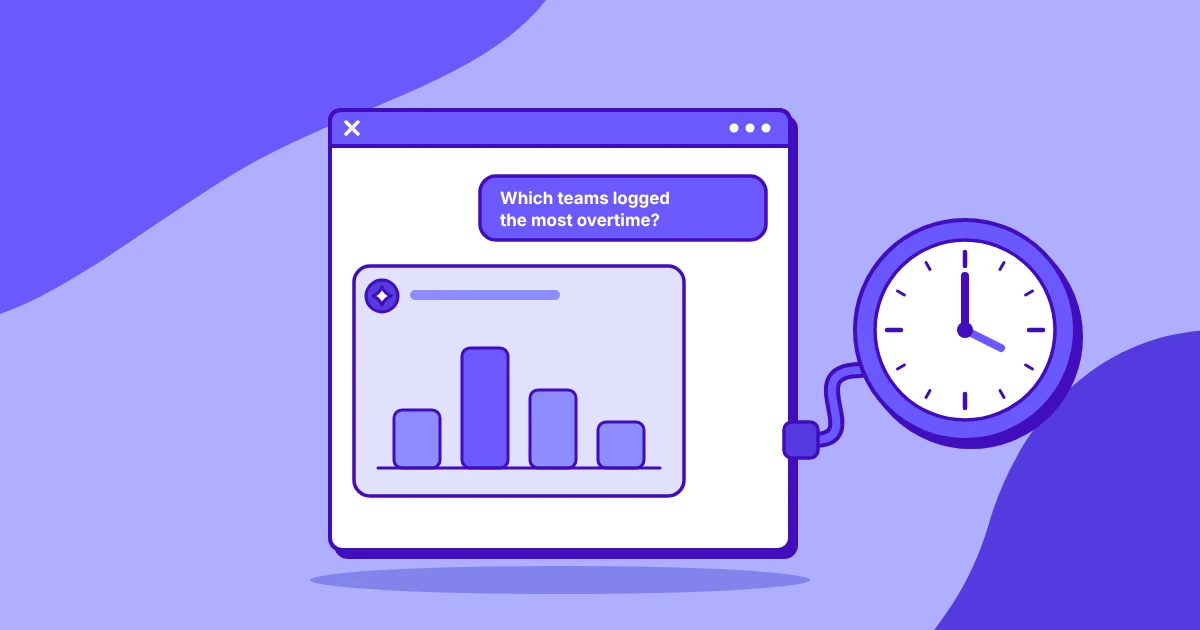
"Which teams had the most overtime last month?"
You get teams ranked by overtime hours for the month, usually with each team's total and a note on where it concentrated. A natural follow-up is which weeks drove the highest totals.
"Summarize absence across the claims team for the last quarter."
The answer describes absence across the team over the quarter, typically as total absent days and how they spread across the months. It stays at team level, with no individual names.
"Which teams had the most late arrivals in the last two weeks, and how late were they on average?"
Expect a ranked list of teams with the number of late arrivals and the average minutes late for each. If one team stands out, you can ask whether the late starts cluster on particular days.
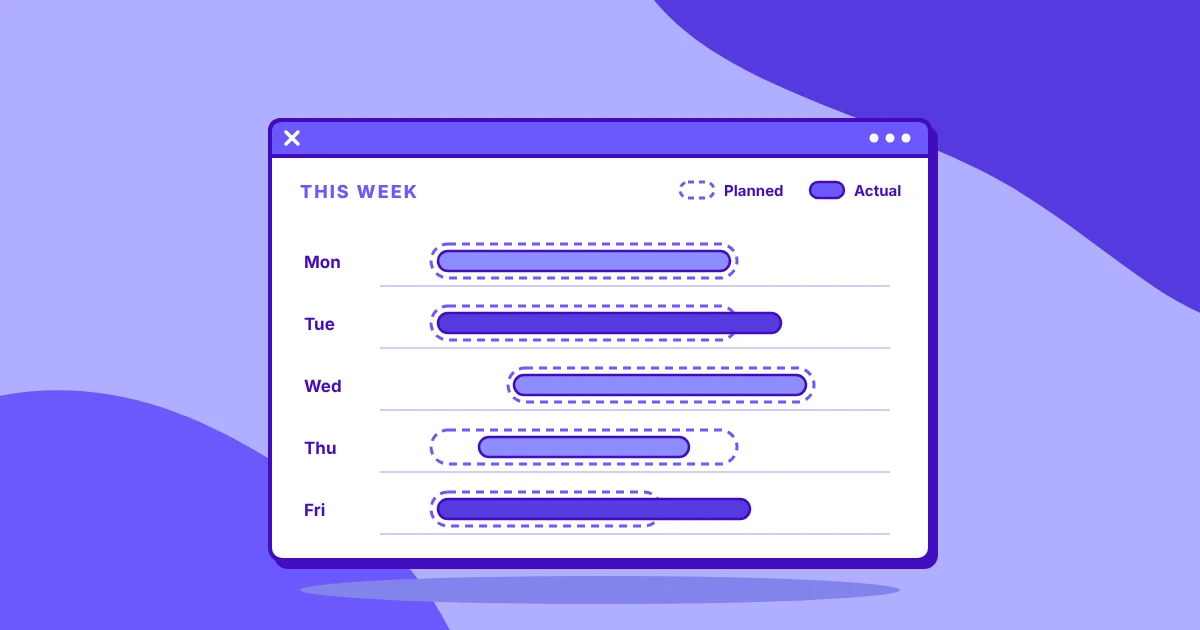
"Compare scheduled shifts against hours actually worked for the support team last week."
This returns scheduled hours next to worked hours for the team, often broken down by day, with the gap between them. It's one of the most useful shift data MCP questions, because it shows where coverage fell short of the schedule.
"How much time did we log against the onboarding project in July?"
You get the hours logged against the project for the month, and you can ask for them split by task or by team in the next question.
"Show me attendance alerts raised since the start of the month."
The answer lists the alerts raised in your scope since the first of the month, grouped by type or by team, so you can see what triggered most often.
How to phrase a question so the answer holds up
Name the exact period. If the period isn't finished, ask the assistant to stop at the last complete day and to say what that is.
Set the scope in the question too: which teams, and a minimum team size if you want small groups left out. Ask it to say plainly when a number is missing instead of estimating it. Like normal LLM use, it takes some prompting to zero in.
For overtime and late finishes, ask it to use each person's local time and to point out rostered shifts so they aren't counted as overwork.
Finally, say what you want to get back. An AI timesheet summary can be a short paragraph, a table, or a report you can share.
Who sees which answers
A manager gets answers about their own teams only, and an administrator gets the whole organization. The connection inherits the permissions already set in your workspace, so nobody sees more through the assistant than they see on screen on any given day.
A shared-services lead with three teams can ask about all three together, while a team lead asking the same question gets figures for their own team.
That holds even when a question names a team outside your scope. The assistant still answers only with data you're allowed to see. A timesheet MCP connection doesn't add a second set of access rules to manage, it just works with what's already there.
Turning a connection on or off is an administrator's job, covered in how administrators enable and revoke a connection.
Limits to know before you start
The MCP connection is deliberately narrow. It's read-only, so the assistant can't create shifts, edit timesheets, or change anything in your workspace. That makes it easier to give more managers access, because asking a question can't alter a record.
It returns aggregated figures only. There are no screenshots, recordings, or event-level logs in an answer, even where those features are switched on in your workspace. When you need the detail behind a figure, open the matching report in the workspace itself.
Long date ranges can need splitting. A very broad request can exceed the assistant's context window, which limits how much it can process in one answer. That's a feature not a bug, as the smaller the problem the space the more relevant the answer. Precise questions lead to more precise data: ask for a year one quarter at a time.
Put your hours data one question away
Insightful's MCP Server connects your assistant to the hours, shifts, and attendance data in Workforce Analytics, if that's the plan you're on. Workforce Analytics shows the input, from the time perspective. People Intelligence shows how people work, and suggest opportunities to improve output. An MCP connection for People Intelligence gives you answers about coaching and performance management.
To see MCP questions in action, watch the on-demand webinar, then start a free trial to try it on your own team's data.
Frequently asked questions
Can I ask ChatGPT or Claude about my team's hours?
Yes, once your organization has an authorized connection. Any MCP-compatible client works, including Claude and ChatGPT. You ask in plain language, and the assistant answers from your workspace data within the access your role already has, as a written summary.
How does attendance data get into an AI assistant?
An administrator connects the assistant to the workspace through an MCP server, and the assistant then reads attendance data when you ask a question. Nothing is copied into a separate database. Insightful's setup guide covers how a connection is enabled and revoked.
Can an AI assistant summarize timesheets?
Yes. Ask for a period and a scope, such as one team for last week, and the assistant returns a plain-language summary of the hours. Some assistants can also turn that summary into a table, a chart, or a report you can share.
Can an AI assistant flag lateness, absence, or overtime?
Yes, within the asker's own scope. A manager sees results for their own teams, and an administrator for the whole organization. Answers are summarized by team, such as which teams had the most late arrivals or overtime in a given period.
What time and attendance data can an AI assistant reach?
It can reach scheduled and worked shifts, clock-in and clock-out times, timesheets, lateness, absence, overtime, tracked-time summaries, time logged against projects and tasks, and attendance alert history. Team and org structure is used to scope each question to what you're allowed to see.
Why does a long date range sometimes fail?
A very broad request can exceed the assistant's context window, the amount it can process in one answer. The data is complete, but the assistant can't take it all in at once. Split the range, for example asking about one quarter at a time.